| Getting your Trinity Audio player ready... |
Our latest big release is a game changer for planners, integrators, and visual learners. Strety now has a beautiful Calendar available at the Company, Team, Project, and Person Space level.
Maybe you’re reading this and thinking: FINALLY. You are my people, and you are exempt from reading the rest of this blog — just go play with the Calendar now and please give us lots of feedback.
But if you’ve just learned that Strety has a native calendar and are anywhere on the spectrum of “who cares?” to “that’s cool, I guess,” you are required to continue reading so you can learn about why this is so important and how it can change your Strety life.
The road to the Calendar was paved by Power Ups
Strety’s first iteration back in 2023 was very simple: an EOS software with all of the core tools you need for EOS. We had L10 Meetings, Rocks, Scorecards, the Accountability Chart, the V/TO, Issues, and To Dos. When all you want out of a software is a place to store your EOS data and run your meetings, that’s all we really needed.
Pretty quickly, however, both our customers and our internal team wanted more. If you could run L10 meetings, surely you could add in 1:1 meetings as well. If you could run those, why not performance reviews and review meetings, too? Why do I need separate software for those?
And that question: “why do I need separate software for this?” has driven a lot of our product development ever since, especially the part of the product that we call Power Ups — our Project, Performance, and Engagement tools. We believe that driving these workflows right alongside your EOS implementation makes EOS easier for teams to adopt and stick to. We want people to love EOS as much as we do, and Power Ups is one of the paths to get there.
When we released Projects in Strety, it was a game-changer for a lot of people. We’ve heard so many stories of people dropping extraneous and complicated project management tools and building better, easier workflows. Plus, when you use a Project in Strety to power a Rock, you’re making the bond between EOS strategy and everyday execution stronger than ever. Saving money, streamlining your tech stack, making life simpler, and enhancing your EOS implementation… what more could a reasonable person want?
The answer, of course, is Calendars.
Why we built Calendars in Strety
Now, as we’ll get into, Calendars are good for more than just Projects. But it was definitely in our Project Power Up that calendars were missed the most. When you’re managing a big Project in Strety with hundreds of To Dos (like Shaz Khan does for his restaurant openings), or you’re trying to keep track of overlap (like our team with keeping our webinar calendar straight) — trying to visualize the To Dos or big moments via kanban or list view in a project space was not ideal.
On the EOS side of the house, not being able to clearly see Rocks, Milestones, and To Dos easily was another pain point. Milestones were tucked away in the Rock modal, along with any related To Dos if you were keeping them there instead of in a Project. It would be awesome, we thought, to have a view where you can actually see what’s going on with your Rocks, from the due date to the Milestones to the To Dos.
And from a high level of just communicating and having visibility as an org, we wanted a calendar that would hold things at the highest and at the individual level, like our company offsite or one person’s maternity leave. Internally, we lean on Messages for communication big and small, but our message board populates as a list, like you expect, and doesn’t give you a time-based reference point.
And it wasn’t just our team thinking hard about how calendars would be a game-changer! At our User Group in Dallas last February, calendars came in as a top feature request. (I swear I did NOT bribe anyone in the room to vote Calendars.)
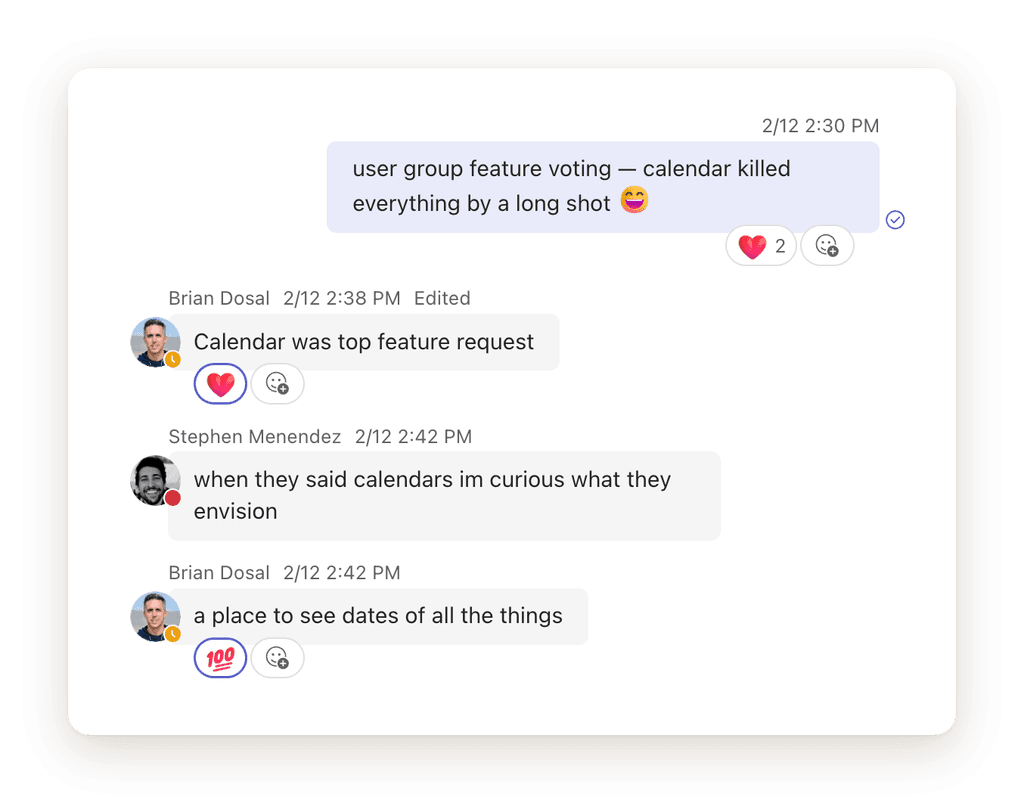
With these main needs in mind, the first iteration of Strety’s Calendar (a place to see dates of all the things) was built.
How the Calendar in Strety works
Just as you think a calendar should! It pulls in everything that has a date on it in Strety — To Dos, Milestones, Rocks and Projects, plus custom events you can add like you’re able to on any calendar.
The Calendar tool clickable from the main nav bar in your Strety app (or from the calendar icon in our mobile app) will bring you to the big calendar view – the one bringing together all date-based Strety items from every Space you have access to. It’ll probably turn out to be a lot of information! You can easily filter to things assigned just to you or find another owner or owners to see what your teammates have going on. You can also filter by Space, or by type of thing turning off and on To Dos, Projects, Milestones, Rocks, or Events so you can see only what you want to see.
You also have the option to look at a nice schedule view (more like a list) if you’re into that sort of thing.
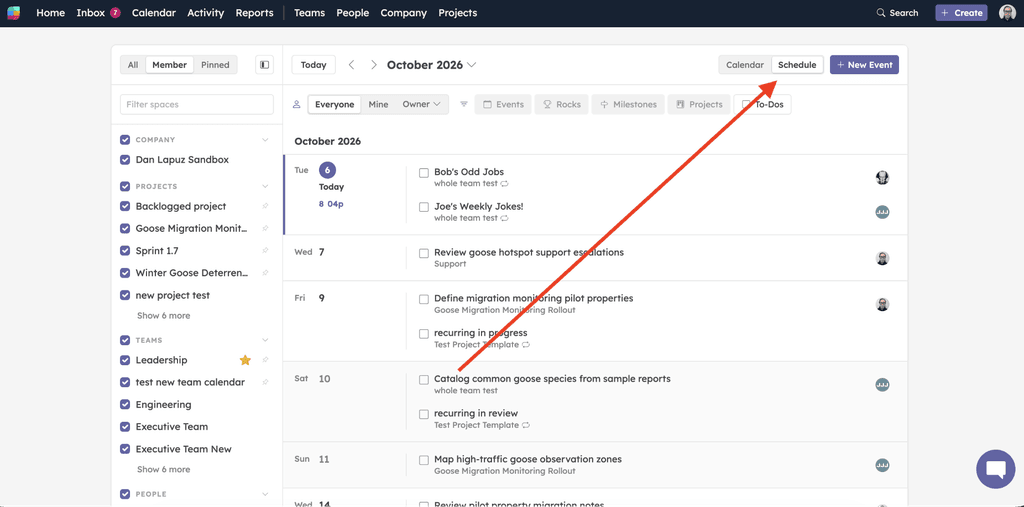
And in a beautiful piece of love from our devs, you can drag anything on the Calendar into a new date to update its due date. So when you’re managing a project with a bunch of To Dos and see via your gorgeous calendar view that you have too much on one date, you can easily see and drag to move things around.
When you go into any Space (Team, Project, or Person), click the + on the tool bar to add a Calendar tool to that Space. It works the same as your big company Calendar tool, except it’s automatically filtered to show just what’s in that Space.
How we’re using it (so far)
As usual, the Strety team has been the primary (only) group of beta testers for this new release. We’ve had it live in our accounts for about two weeks longer than customers, so while we haven’t developed anything too fancy yet in terms of workflows, we’ve found a good handful of use cases where the calendar’s really been shining.
Content calendar
Will start with a couple of our own from the marketing team!
Scheduling content was the first thing that had me asking for a calendar in Strety, way back in 2024 (!!).
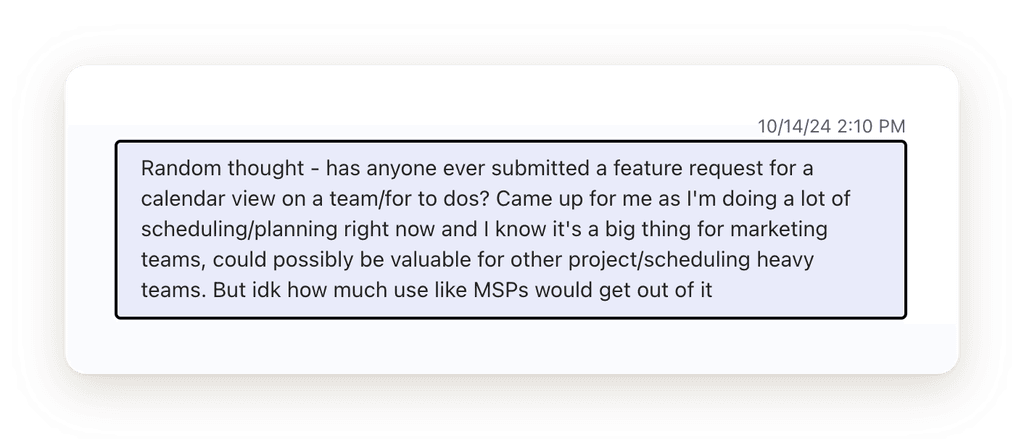
It’s really amazing how hard it is to see stuff without a calendar, and you don’t know what you’ve got till it’s gone. In my case, I went from freelancing/working primarily out of notebooks and planners (I know, so precious of me) to working 100% in Strety. Brian was using me as a guinea pig: can a person build a business function from scratch in Strety? The answer was yes… but a little grudgingly at first!
I eventually got used to the lack of calendar, especially because so much of our content is iterative and based on weekly data and feedback. We haven’t been the types to schedule out a whole quarter’s worth of content, and especially not now when everything moves so fast.
But that didn’t mean I stopped asking.
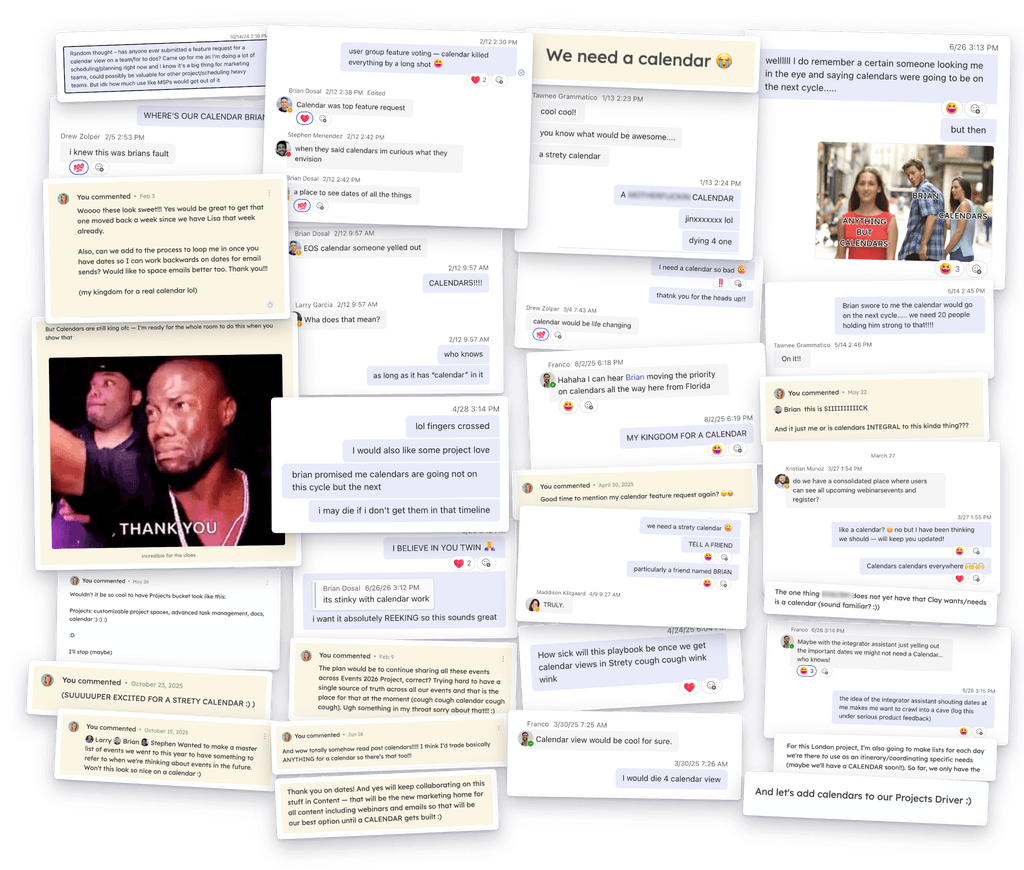
Now that I have my calendar, what do we do with it?
I have recurring custom events and To Dos for all the things we do weekly across blog, socials, and emails. Plus, I share every non-recurring piece of content into our Content project. This includes webinars from both marketing and customer success, emails on behalf of partners, and invitations for our customers.
The awesome thing is these To Dos can still live and be worked primarily in their Space of origin – the Customer Success team doesn’t need to interact with the Content project at all to work through their awesome webinars. But they can share the To Do into the space for when they need us to send an email or add the webinar to the webinar calendar.
The Calendar tool makes it easier for our little marketing team and people across the org to collaborate and work and make sure we’re not stomping on each other’s schedules. A beautiful thing!
Events calendar
Another one for my marketing friends in Strety — managing our events without a calendar has been… interesting. I’ve created Projects that have worked out really well for the most part: I have a master event project per quarter that has each event represented by its own To Do List. (If an event needed more space, like the Integrator Summit, I had just one To Do in the master event Project linking out to the Integrator Summit Project.)
For coordinating everything needed for each event, it worked well. For high-level visibility into where we would be, when, and who from the team was going to be there, we had a list on a Doc and my brain. Not ideal.
Now, we can have all the wonderful project management enabled by our lists, plus custom events assigned to people and visualized on the calendar so we can see the high level info at a glance. No need to extrapolate from a list or dig into my neurons for the information anymore. Planning BLISS.
Company/Team/Person Space calendar
Something that the whole Strety team started picking up on independently was moving or adding things that might have been siloed in Outlook ( 🙃) into the Strety Calendar tool for better visibility.
For example, when a teammate is going on the road, OOO, or heading on maternity leave, it’s easier and more accessible to create and view these types of events in the Strety calendar, because they’re living alongside the rest of our work.
Some examples of the custom events we’ve made across Spaces:
- Individual calendar: changes to daily work hours, OOO
- Team calendar: recurring events for L10 meetings, OOO
- Company calendar: company meetup, maternity leave start, anniversaries
And surely more use cases are simmering up as we speak!
How will you be using the Calendar?
Do you have big plans now that you have a calendar in Strety? We would love to hear about it! And if your only plans are to stare in rapture at all your To Dos, Milestones, Rocks, and custom events, we get it. We build for your enjoyment (and ours).
Give it a whirl and share your feedback with the support team, so we can make this the best dang calendar out there!