Issues in Strety

EOS Issues software that makes the hard conversations smoother

Make your next IDS (Identify, Discuss, Solve) session simpler to tackle with Issues in Strety. Create an Issue before or during your weekly L10, or from To Dos, Rocks and Metrics, and sort it as short-term or long-term. Prioritize your list and let Strety’s AI Assistant catch your Solution Notes and any To Dos that came up — or add them yourself the moment you land on an answer. Solutions move smoothly with Issues in Strety.
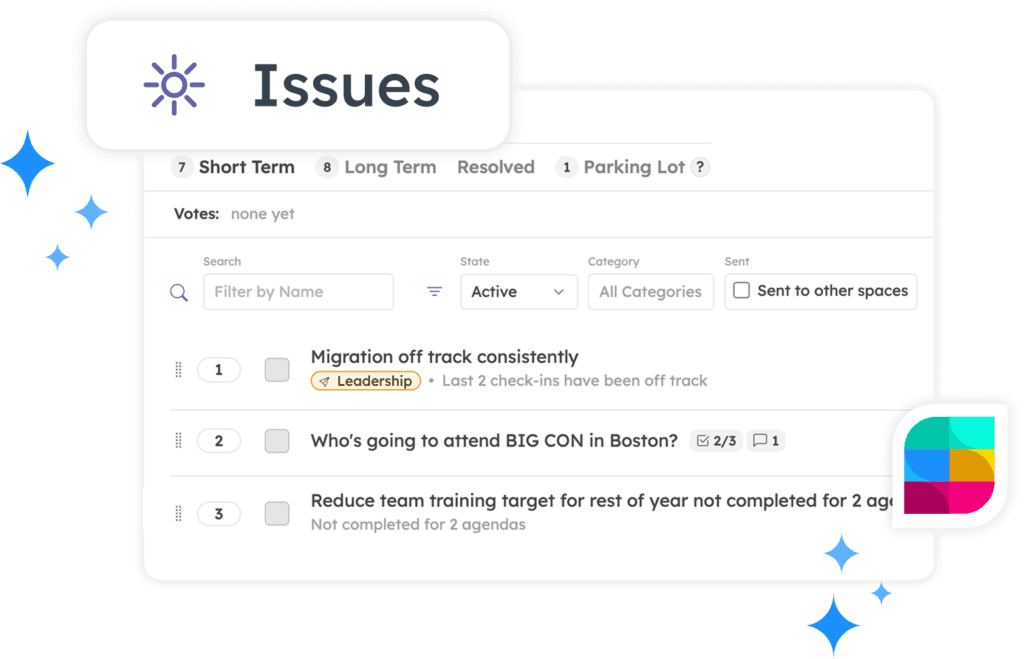
Issues in EOS software Strety

How Strety's Issues work

Getting an Issue from “someone mentioned it in passing” to “documented” to “solved” takes a few clicks in Strety.
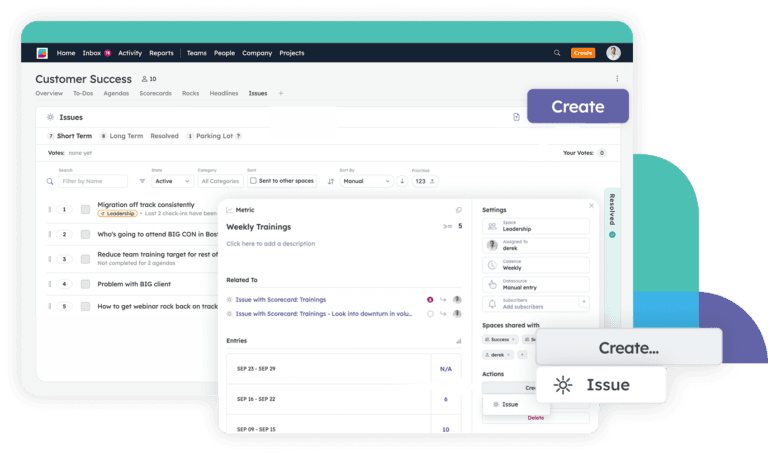
Create an Issue from the Quick Create button, a Team or Person’s Issue page, or straight from the Rock, Metric, or To Do that sparked it — even from a Report drilldown or during an L10.
Name it, set a Primary Space, assign an Owner, and it’s created. Add a Priority, Type, Category and Subscribers if needed.
Create an Issue in Strety
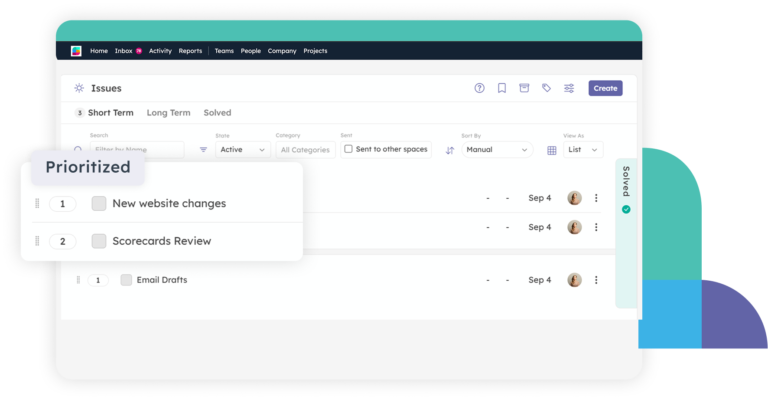
Before or during your L10, vote together on what needs immediate discussion, then set the priority order so the most pressing Issues come first.
Do this every week, and your IDS time goes to what actually matters most.
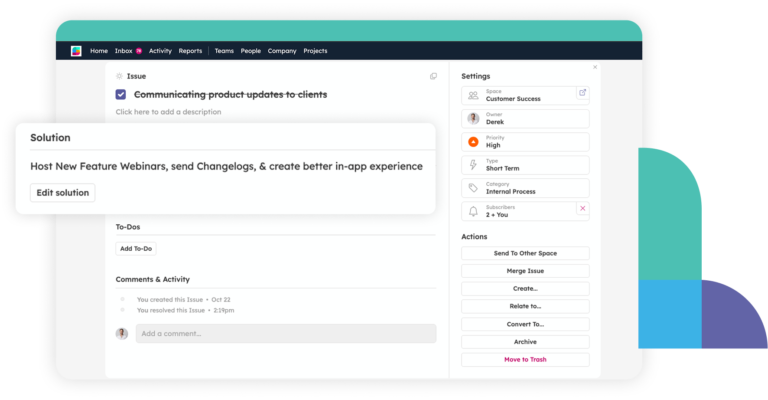
Work through Identify, Discuss, Solve — then add Solution Notes and To Dos on the spot.
They auto-land in the meeting summary and To Dos get straight in assignees’ spaces — no more asking “wait, what did we decide?”
Create Issues from anywhere in Strety

IDS with AI in Strety

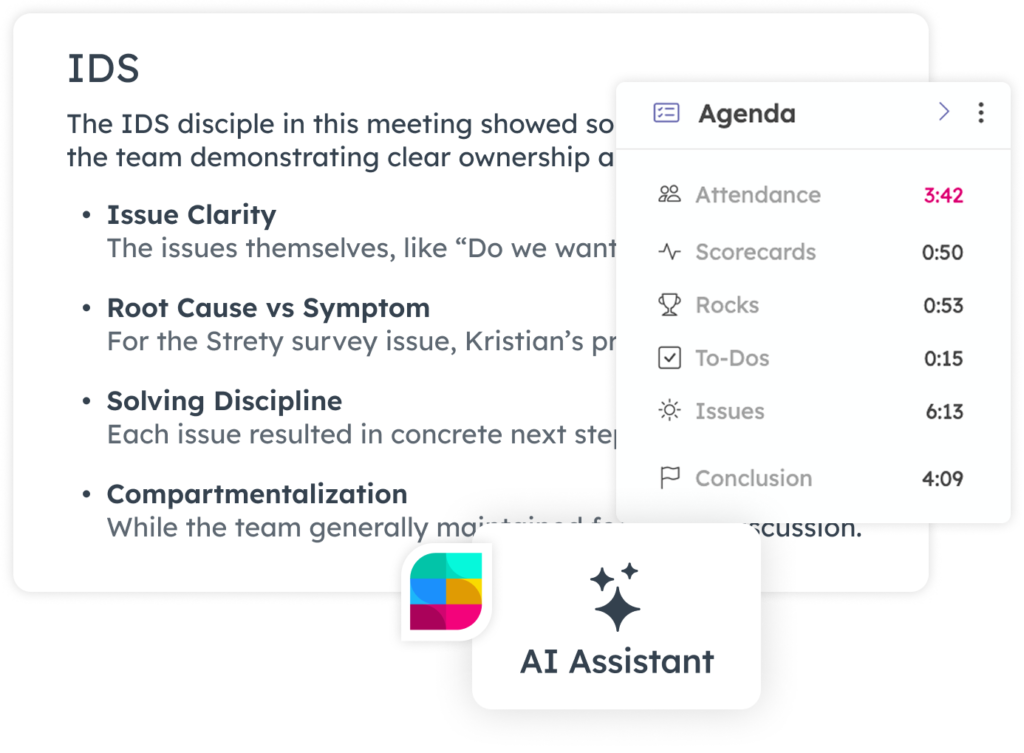
Did you miss anything during your IDS? Strety’s AI Assistant will tell you. It joins your L10 and works in the background while you talk to capture your Solution Notes, flag whether you actually hit root cause or just patched the symptom, and surface To-Dos that got mentioned but never formally assigned. Review, edit, or reject every suggestion before the meeting closes — you’re always in control.

Capture Issues instantly — solve them on your schedule

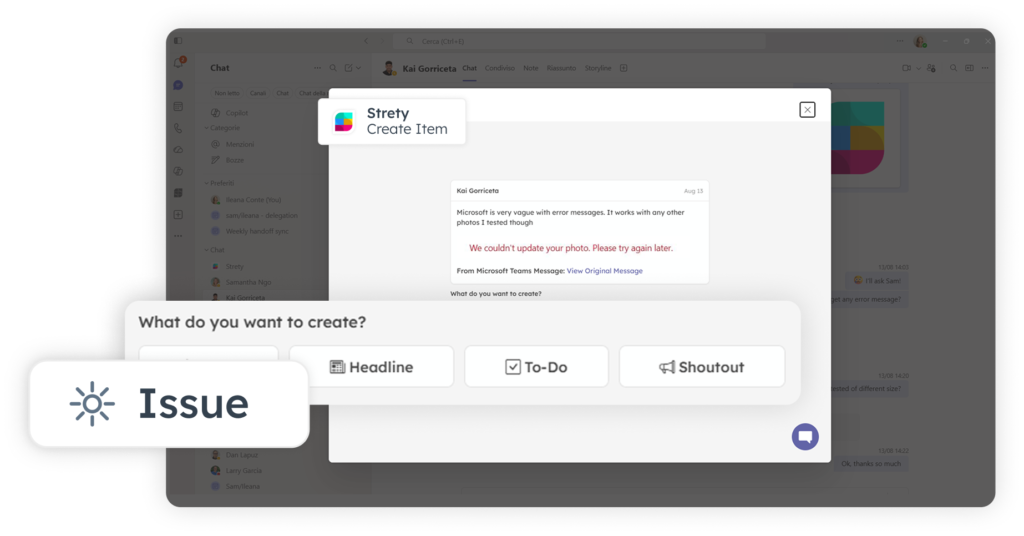
Issues can be spotted in a Teams chat, a Slack thread, or an email spiraling into ten replies. The old workflow meant copying the conversation, pasting it somewhere, and hoping you’d remember the context by the time your next meeting rolled around. Now, click the 3-dot menu on that Teams or Slack message — or the Strety app on that email in Outlook — and turn it straight into an Issue. Pick it up right where the conversation left off. When your people can capture an Issue the moment they spot one, EOS actually sticks.
Capture Issues in Strety

The EOS Issues software people love

Solve your Issues and create real accountability for what needs to be done next in Strety — with straightforward features that give EOS teams a calmer and more productive working life.

Merge duplicate Issues

Spotted two Issues about the same root problem? Merge them into one, so context doesn’t get split across two threads.

Send to another team

Route an Issue to whichever team actually needs to solve it, and track its status from a dedicated filter until it’s resolved.

Private Issues for 1:1s

Keep a topic just between you and one person by assigning it to their personal space instead of a team.

Notify who needs to know

@mention anyone directly, or let Strety default to notifying just the Owner and Creator — your call on how much noise everyone gets.

Track team by team

See what’s been added and resolved each week, broken down by team, right in Strety’s Reports.

Never lose the origin story

Every Issue created keeps a Related To link, so the backstory is always one click away.

Frequently asked questions about Strety's EOS Issues

EOS® Issues software gives your team one running list for the problems, ideas, and opportunities that need group input to solve. In Strety, create an Issue straight from a weekly L10, any Rock, Metric, or To Do, or Report so nothing has to be re-typed from scratch. Plus, create Issues when they arise outside of Strety in your chats or emails.
Every Issue keeps a Related To link back to where it came from, so context never gets lost. During your L10, the AI Assistant goes further — capturing Solution Notes, flagging whether you actually hit the root cause, and surfacing To-Dos that got mentioned but never formally assigned. And integrations mean your email and chat Issues don’t slip through the cracks — they surface in your agenda in seconds.
Short-term Issues are ones you’re actively solving this quarter. Long-term Issues are the ones that sit on your V/TO They represent longer-term discussions you’re not ready to tackle yet, kept visible instead of forgotten.

Yes — assign it to that person’s space instead of a Team Space, and it shows up privately as a topic in your 1:1 agenda.

Yes — open either Issue, click Merge Issue, and pick the other one. The combined Issue keeps a Related link to what was merged into it.

Yes — during your L10, it captures your Solution Notes the moment you land on one, flags whether you hit the root cause or just patched the symptom, and surfaces any To-Dos that came up but never got formally assigned. You review, edit, or reject everything before the meeting closes.

Yes — Strety’s Reports break down Issues added and resolved week by week, by team, plus an Issue Completion % for the quarter.

The Owner and Creator are subscribed by default, and you can @mention anyone else directly in the description or comments. Notifications can go to email, Microsoft Teams, Slack, or the mobile app.

Yes — most teams are running their first L10 in Strety within about a week, Issues list included. Get on a free trial and test it out.

Issues are part of the core Strety platform which starts at $13/seat and goes down as your user count goes up. Pricing is month to month with no contracts or gotchas. See details and volume pricing breaks at strety.com/pricing.

Yes — start your free 30-day trial, no credit card required, and build your first Issues list before you commit to anything.

More to Explore

Want a full walkthrough on creating, sorting, and solving Issues in Strety? Start here.
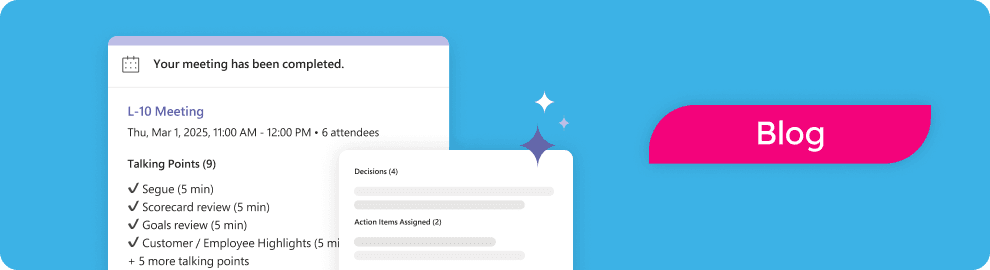
Overview of meeting completed in Strety, for AI suggestions
Check the IDS process, explained step by step — Identify, Discuss, Solve.
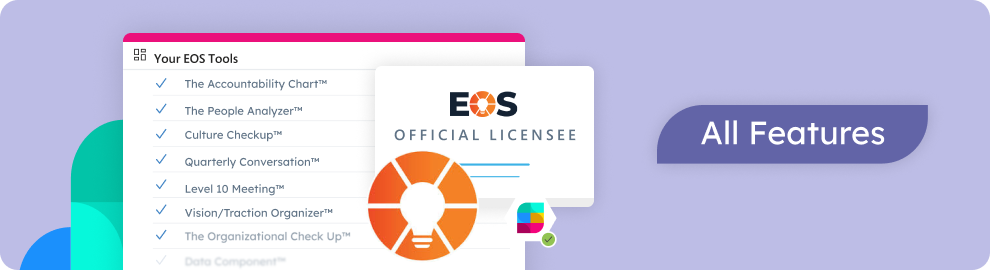
Discover all Strety’s built-in tools for EOS® implementation plus everyday execution.

Want to test-drive solving Issues in EOS software?

Start your free 30-day trial in Strety and finally IDS the problem everyone’s been dancing around — solved, documented, and finally off your list.

Proud Platinum sponsor for the EOS community! Join us: