HubSpot Integration
Strety’s HubSpot Tasks Integration: Two-Way Sync for Companies on EOS
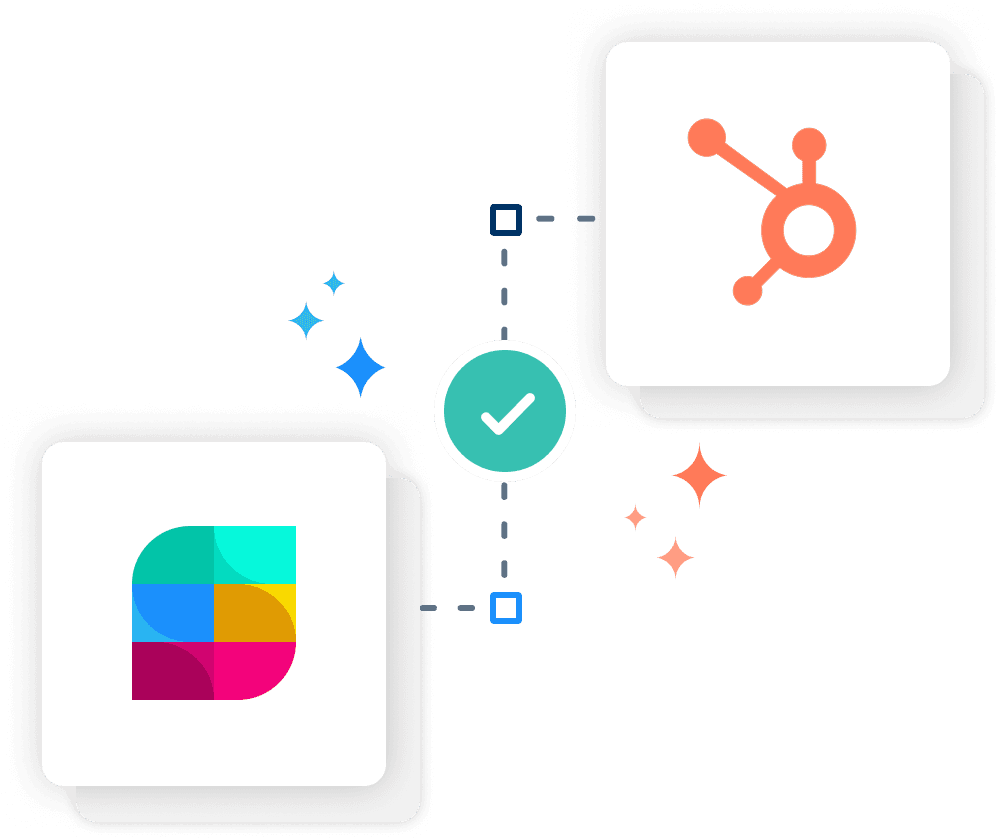
Strety’s two-way HubSpot integration syncs your To Dos and HubSpot tasks automatically to reduce software sprawl. Connect your EOS software with HubSpot so you can manage your tasks where you already live. Built for sales, marketing, and RevOps teams who run EOS in Strety and manage customer work in HubSpot.
How the Strety HubSpot Integration Works
Connect Strety and HubSpot with two-way sync to keep your To Dos and HubSpot tasks aligned across both platforms in real time.

Create once
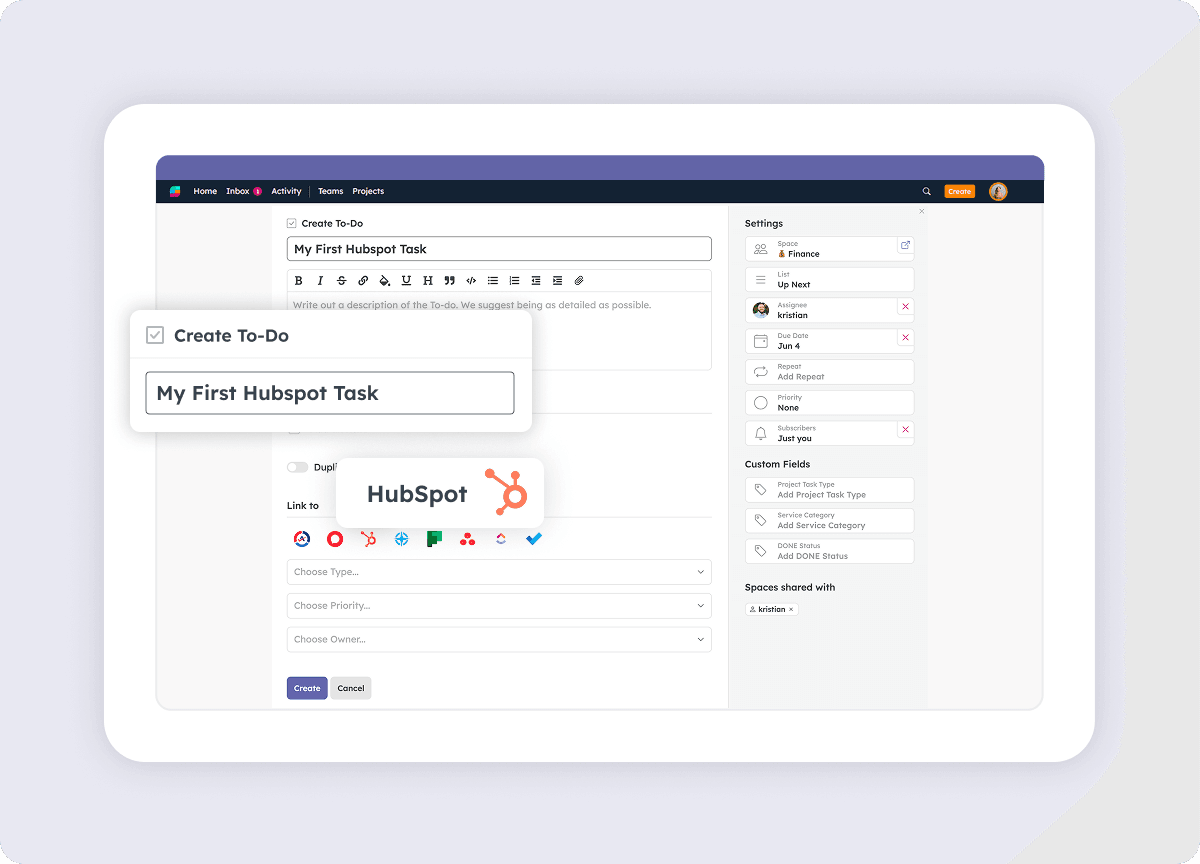
Create your new tasks in one platform — they’ll be added automatically to the other. No more hopping on and off tabs.

Dates in sync
Whichever changes you make to your tasks due dates in one platform, they’ll be reflected in the other. It’s all synced!

All completed
You close a linked task in one platform, it’s closed in the other too. We take one more off your plate in just one click.
How to get started with the Strety + HubSpot integration
It’ll only take you a few moments to add the Strety HubSpot Tasks integration — four easy steps that will save screen (and mental) space.
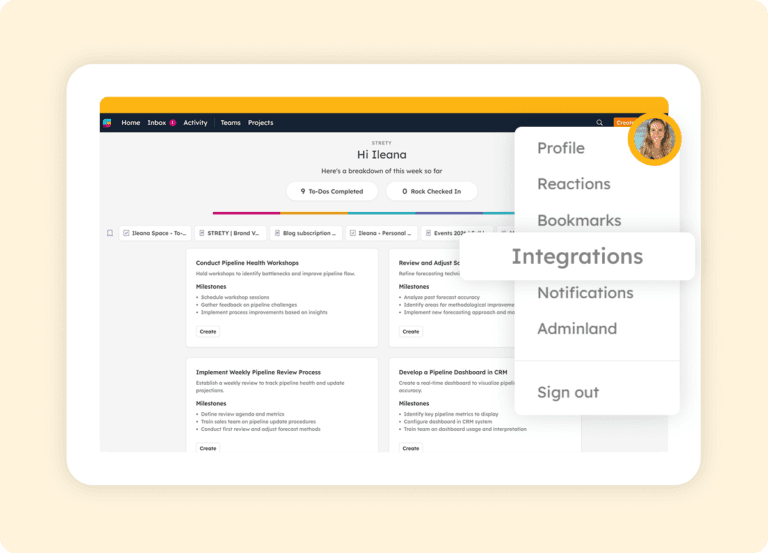
Step 1:
Go to Integrations under profile
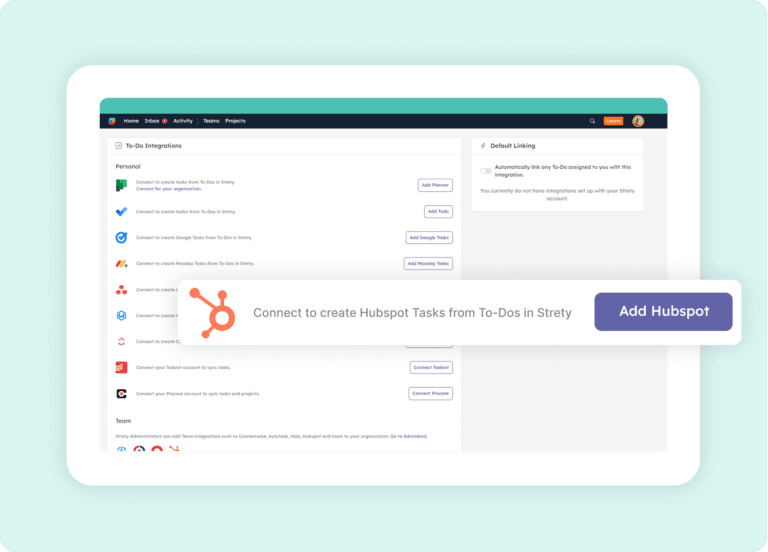
Step 2:
Select HubSpot
Step 3:
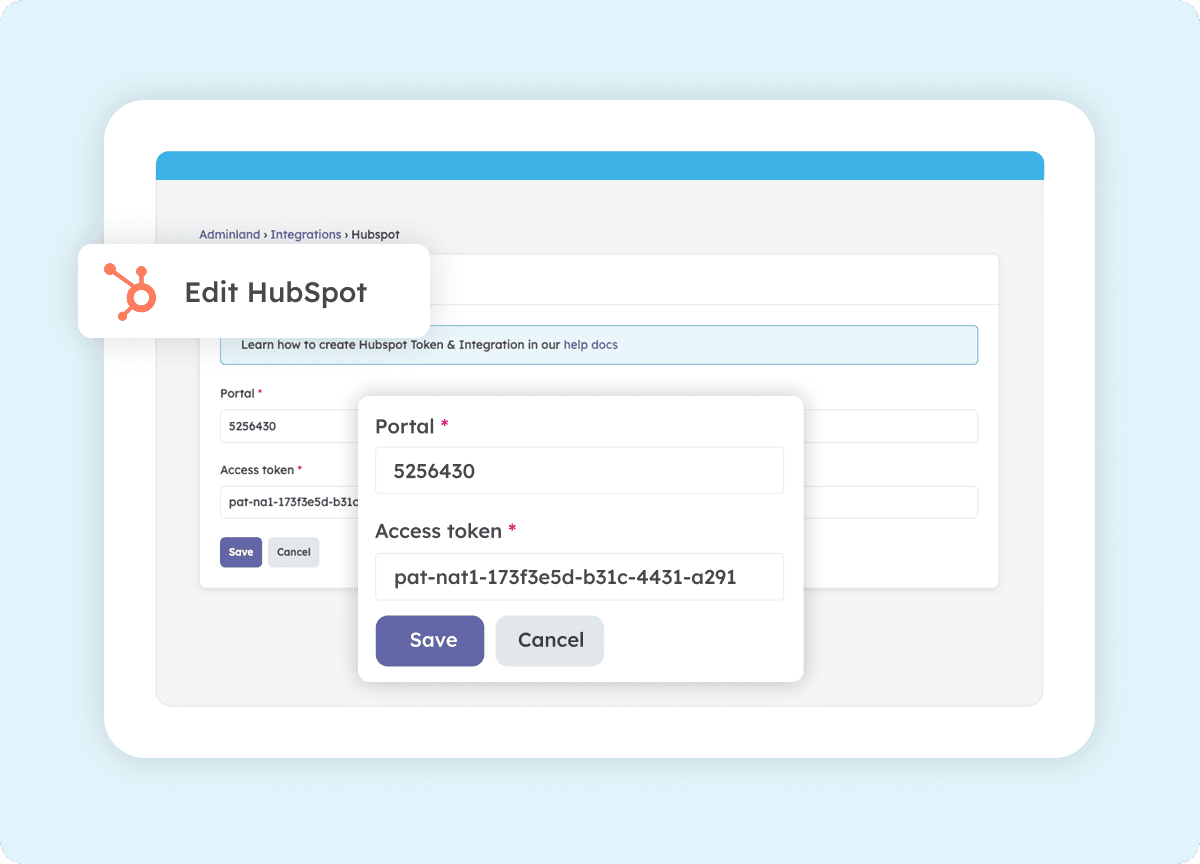
Add portal ID and access token
Under Adminland in Strety, add the portal ID and access token for the HubSpot integration.
Step 4:
Create your synced To Dos!

Frequently asked questions about Strety’s HubSpot Integration
How do I know if the Strety HubSpot integration was successfully installed?
Is HubSpot a team or personal integration in Strety?
Is the HubSpot integration included with Strety?
Yes. The HubSpot integration is part of Strety’s integration ecosystem and available at no additional cost. You’ll just need an active HubSpot account and the appropriate admin access to connect it.
Can I set HubSpot as my default integration in Strety?
Yes. Once the HubSpot integration is set up in Strety, you can select it as your personal default. Every new To Do assigned to you will automatically link to HubSpot — saving clicks on every task.
What information syncs between Strety and HubSpot?
How fast is the sync between Strety and HubSpot?
If I close a task in HubSpot, does it close the linked To Do in Strety?
Can I set up multiple task integrations in Strety?
Yes. Strety supports multiple To Do integrations, including HubSpot, Wealthbox, Asana, ClickUp, Microsoft To Do, Microsoft Planner, Monday.com, Google Tasks, Todoist, and several PSAs. When creating a new To Do, you choose which integration to link it to.
Who should set up the HubSpot integration in Strety?
Who is the Strety + HubSpot integration built for?
What people love about Strety’s HubSpot integration 💜


More to Explore
Help Docs
All Integrations