Autotask Integration
Strety’s Autotask Integration: Two-Way Sync for MSPs
Strety’s two-way Autotask integration syncs your To Dos and Service Tickets automatically across both platforms. Connect your EOS software with Autotask to save time and energy. Built for MSPs who run EOS in Strety and manage service delivery in Autotask.
How the Strety + Autotask Integration Works
Keep your workflow aligned by reducing software sprawl — no more juggling open tabs or letting updates fall through the cracks.

One-click Creation
Your synced tasks will automatically generate a Ticket or To Do in either platform. You just need to create once — it’s that simple.

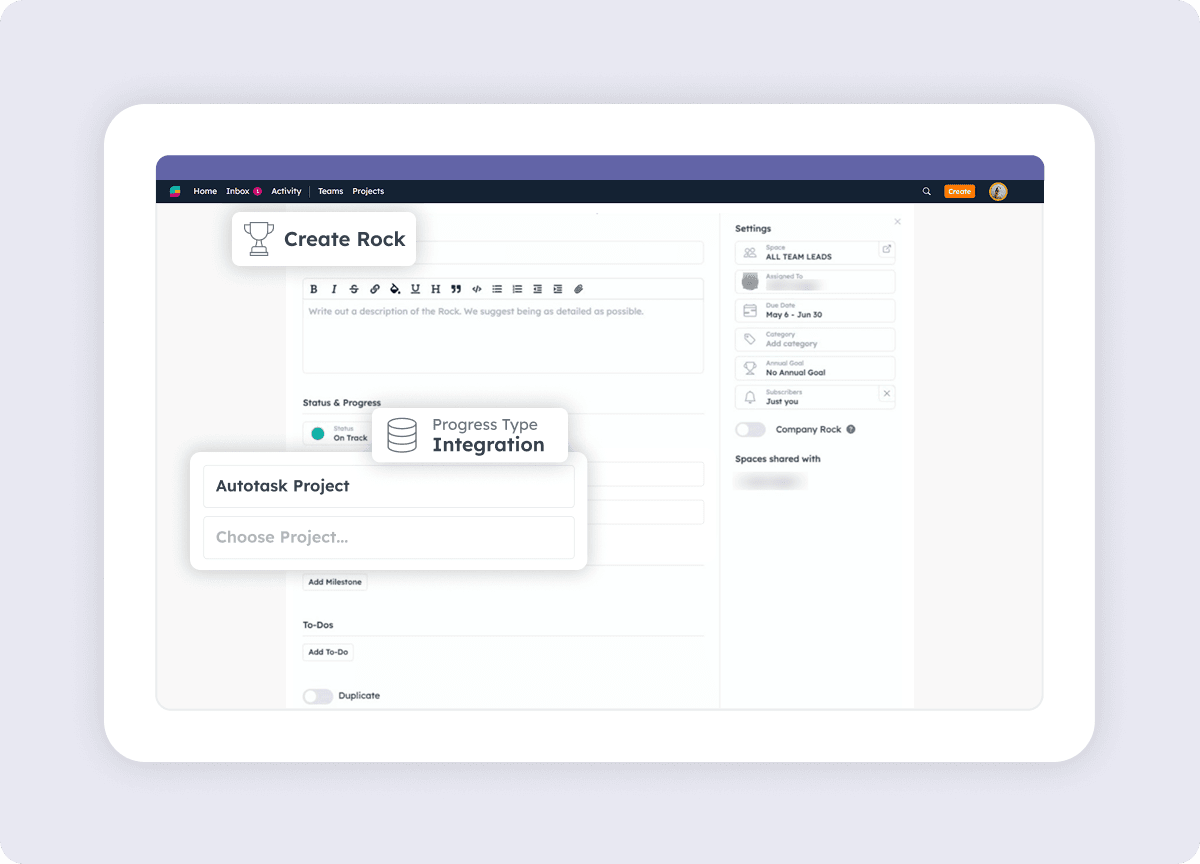
Link Rocks to Autotask Projects
Connect Projects in Autotask to your quarterly Rocks from Strety to keep both platforms on the same page.

Closed x2
Mark your linked Tickets as done in Autotask and they’ll get automatically closed in Strety. No need to hop on and off platforms.
How to get started with the Strety + Autotask integration
Adding the Autotask integration will only take you a couple of minutes. In four simple steps you’ll get to less duplicate work. Note: Before you start, the Autotask integration needs to be added by an account admin as a team integration in order for you to be able to access it.
Step 1:
Access your integrations
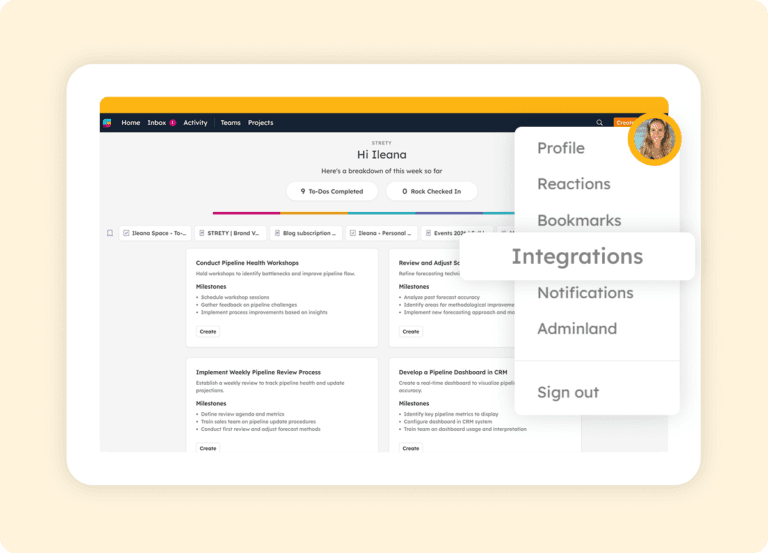
Under your Strety profile (the icon with your pic or initial), click on Integrations.
Step 2:
Choose Autotask
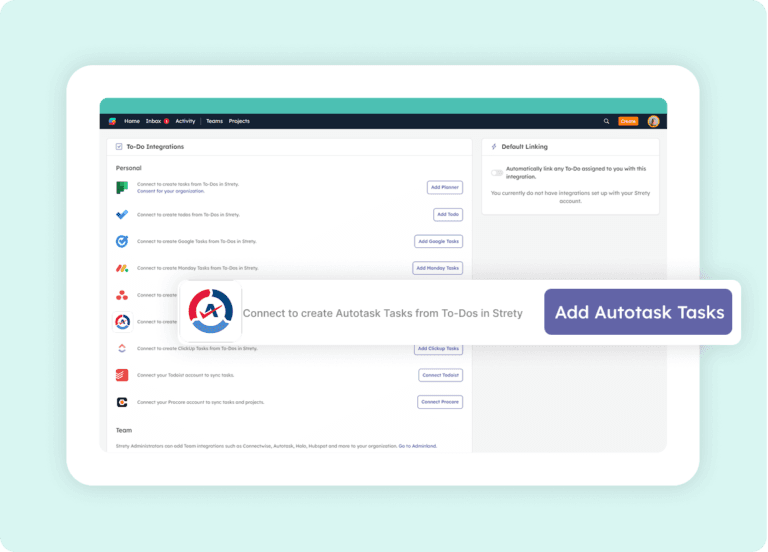
Click on add Autotask from the list of integrations.
Step 3:
Link a To Do
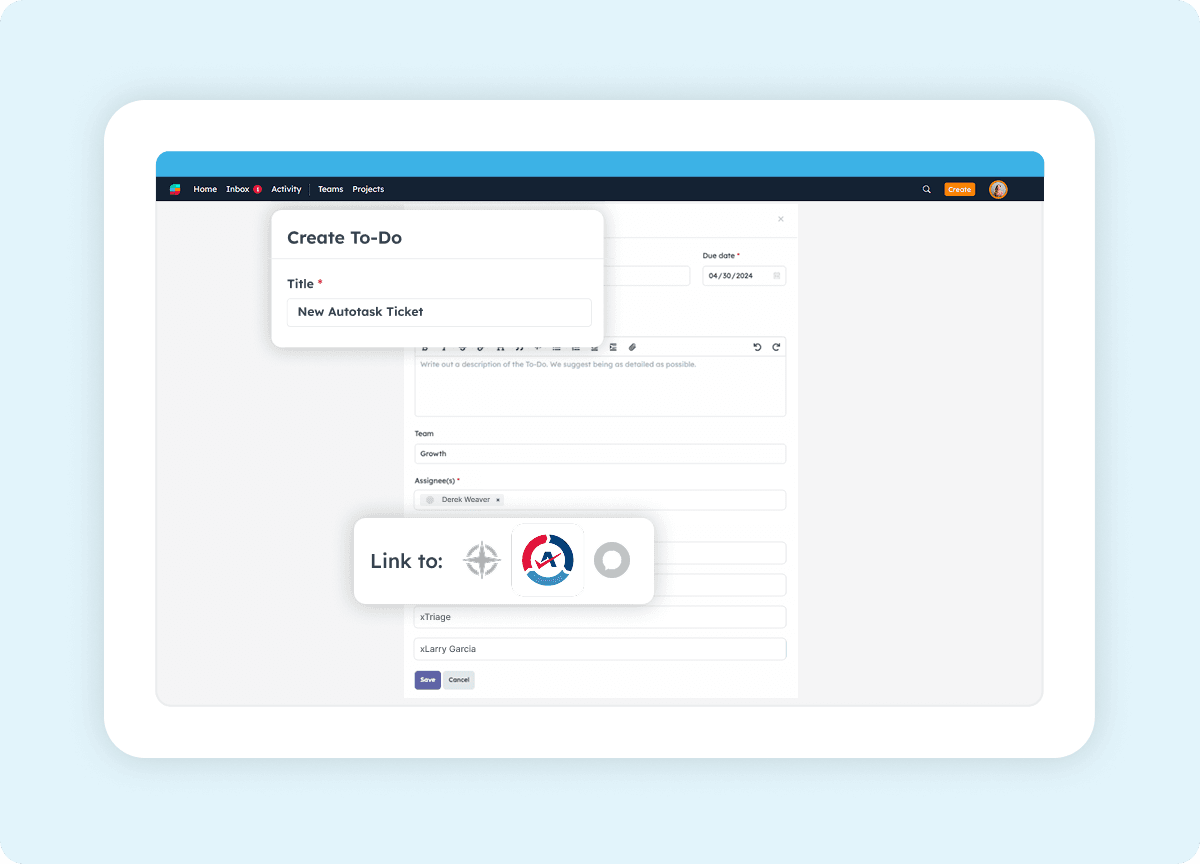
That’s it — you’re all set to streamline your workflow! Create your first To Do in Strety and generate a linked Ticket in Autotask. Click on the Autotask icon on the To Do and select the right account, priority, queue and assignee to get the Ticket right where you want it.
Step 4:
Connect Rocks and Projects
Get your Rocks and Projects in sync! Create your Projects in Autotask directly from your Rocks in Strety to achieve your quarterly goals. Once you add a Rock in Strety, select the Integrations option and link it to your Project in Autotask.

Frequently asked questions about Strety + Autotask Integration
How do I know the Strety Autotask integration was successfully added?
Once the Autotask integration is configured by your Strety admin and you create a new To Do, you’ll see the Autotask logo appear on your To Do. That confirms the integration is active and ready to sync tickets between the two platforms.
Is Autotask a personal or team integration in Strety?
Autotask is an organization-wide integration in Strety. It needs to be set up by a Strety admin in Adminland before individual team members can link their To Dos to Autotask tickets.
Where do I close linked tasks between Strety and Autotask?
You close linked items in Autotask. Once a ticket is marked as resolved in Autotask, the linked To Do automatically closes in Strety on the next sync. To Dos that are linked to Autotask tickets can’t be closed directly from Strety.
What kind of Autotask tickets does the Strety integration support?
The integration currently supports Service Tickets in Autotask. Support for Project Tickets and Activities is on the roadmap.
How fast is the sync between Strety and Autotask?
Strety syncs with Autotask every 30 minutes automatically. You can also trigger a manual sync from any linked To Do if you need an update faster.
Can I link Strety Rocks to Autotask Projects?
Yes. You can link your quarterly Rocks in Strety to Projects in Autotask, keeping strategic goals connected to project execution. When a Rock is linked to a Strety Project, the Project’s status can drive the Rock’s progress automatically — reducing manual check-ins.
Can I set Autotask as my default To Do integration in Strety?
Yes. Once the Autotask integration is set up, you can select it as your personal default. Every new To Do assigned to you will automatically link to an Autotask ticket — saving clicks on every task.
Can I have multiple To Do integrations in Strety?
Yes. Strety supports multiple To Do integrations including Autotask, ConnectWise, HaloPSA, Asana, Microsoft To Do, Microsoft Planner, HubSpot, Monday.com, and more. When creating a new To Do, you choose which integration to link it to.
Who should set up the Autotask integration in Strety?
A Strety admin must configure the Autotask integration in Adminland before team members can use it. The admin will need an Autotask user account with the appropriate security level. Strety provides documentation on creating a custom security level if needed.
Who is the Strety + Autotask integration built for?
The integration is built for MSPs and service delivery teams who run EOS in Strety and manage their service tickets in Autotask. It eliminates the context-switching between EOS tools and the PSA where technical teams spend most of their day.
What people love about Strety’s Autotask integration 

Strety is a cool-looking product. It integrates into Microsoft Teams, and into Autotask, which is our primary hub.

Having come from Ninety.io – I like the integration that Strety has with Autotask.
More to Explore
Help Docs
Want a full walkthrough on setting up the Strety + Autotask integration? Start here.
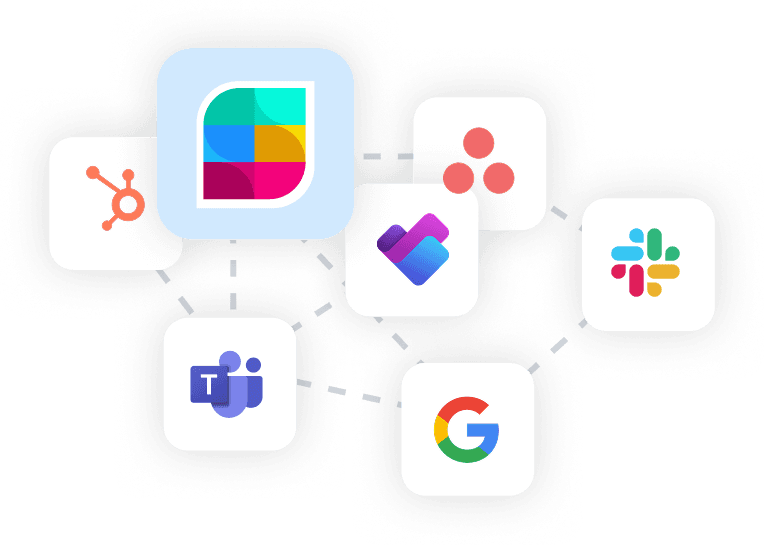
All Integrations
Discover more of Strety’s integrations to connect your fav tools with your EOS® implementation.
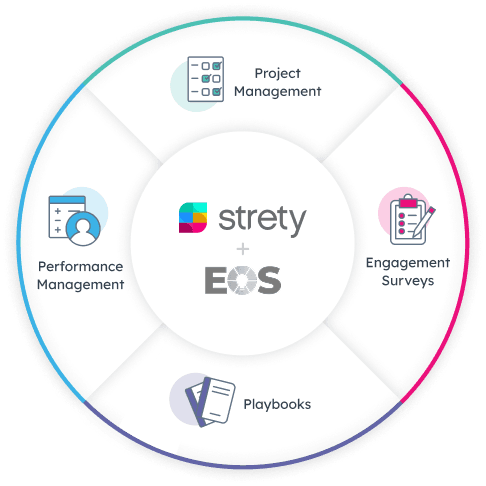
More Features
Check out Strety’s built-in tools for EOS® implementation plus everyday execution.
Want to test-drive the Strety + Autotask integration?
Start your free trial now to experience the calm, clarity, and joy of truly connected systems.