Process Documentation

Document your core processes where you already run EOS

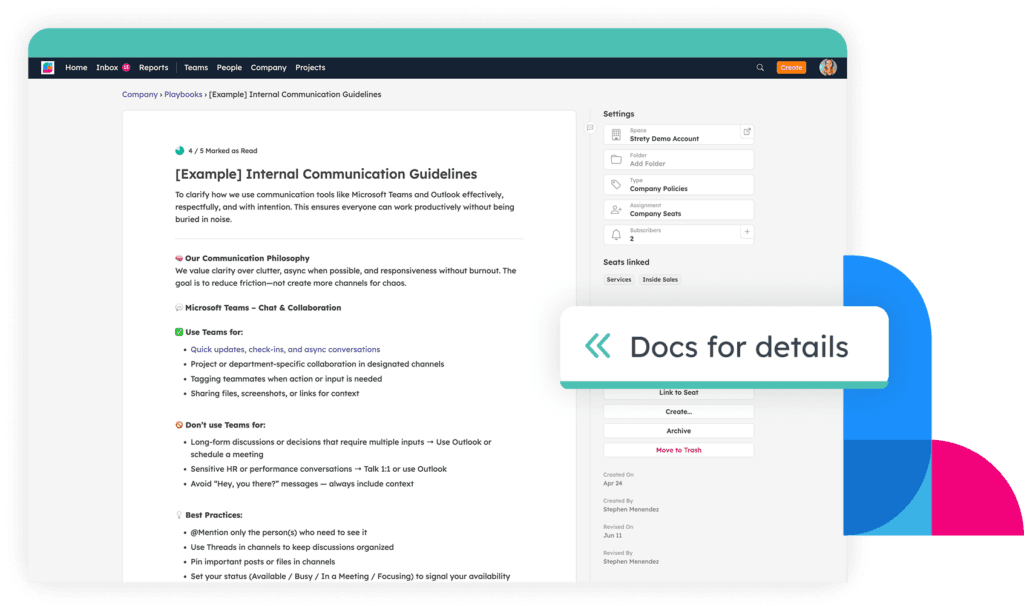
Get your Processes out of your head (and messy docs) into a dedicated Process tool connected to the rest of your EOS implementation. Create your core processes and subprocesses in Strety, get them Followed By All, and connect to Rocks, Measurables, and ongoing execution.
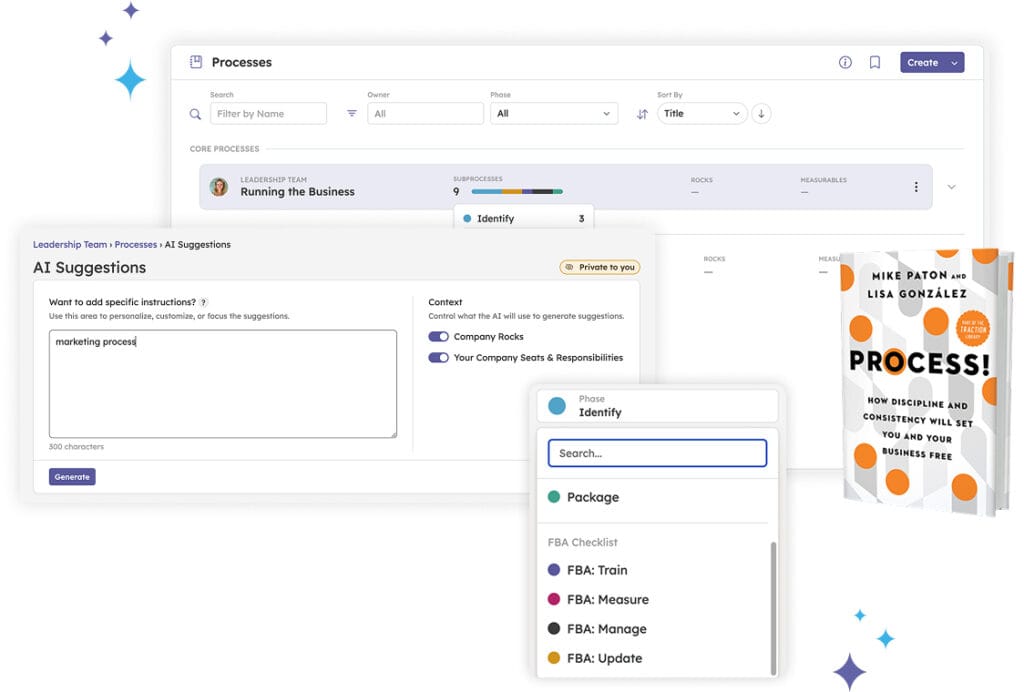

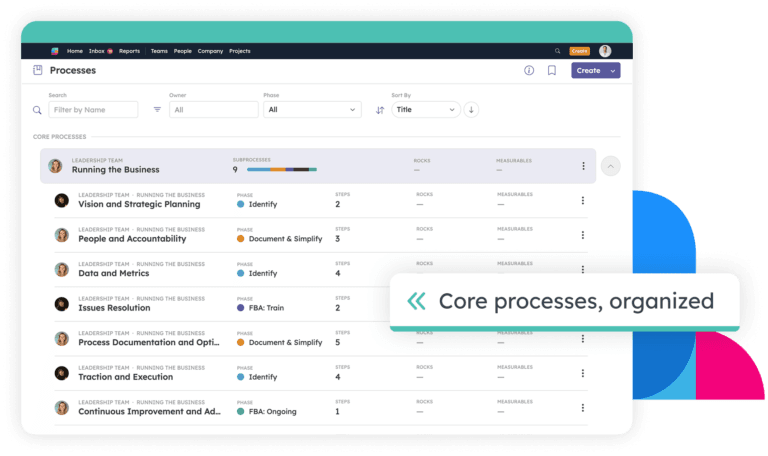
Create your core processes — and get them Followed By All

Organize sub-processes under core processes so your team sees how everything connects

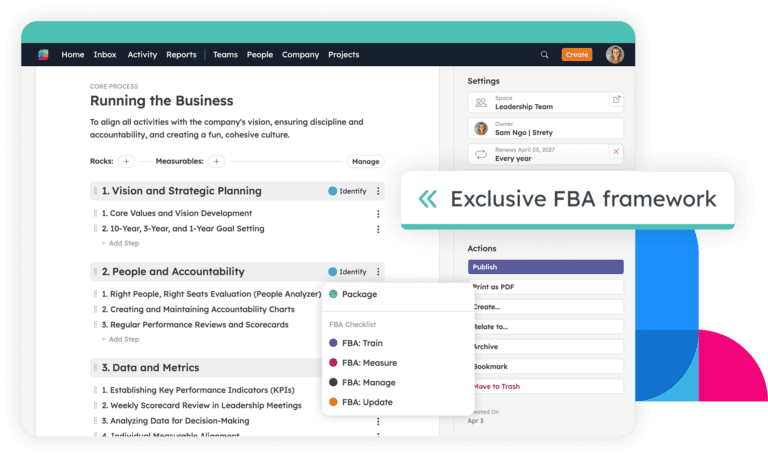
Track each process through EOS phases — Identify, Document & Simplify, Package, Train, Measure, Manage, Update

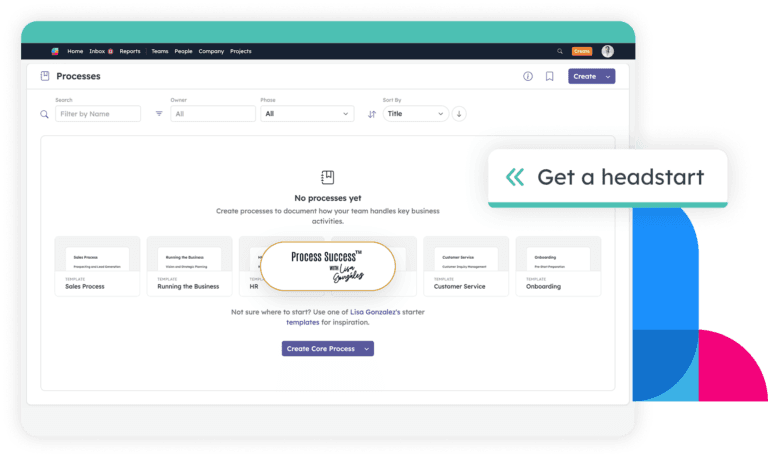
Start from expert templates created by Process! co-author Lisa González — common core processes every company needs, ready to customize

Generate processes with AI — describe what you need and get a structured starting point in seconds

Assign ownership per team, share processes across departments, and filter by owner to spot gaps in accountability

Publish processes to your company-wide library with the correct Followed By All phase driving forward progress

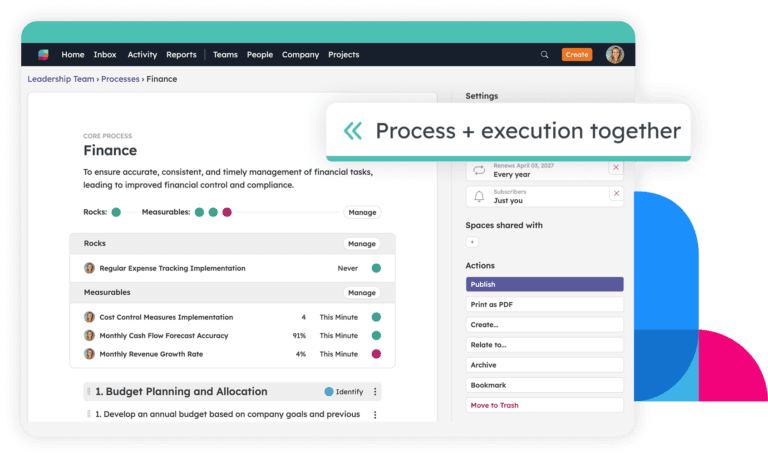
Attach Rocks and Measurables directly to processes so documentation stays connected to the goals driving your business

Set automatic update reminders so processes never go stale, and create To-Dos from anywhere in the Process tool to turn documentation into action

Built with the authority on EOS process documentation

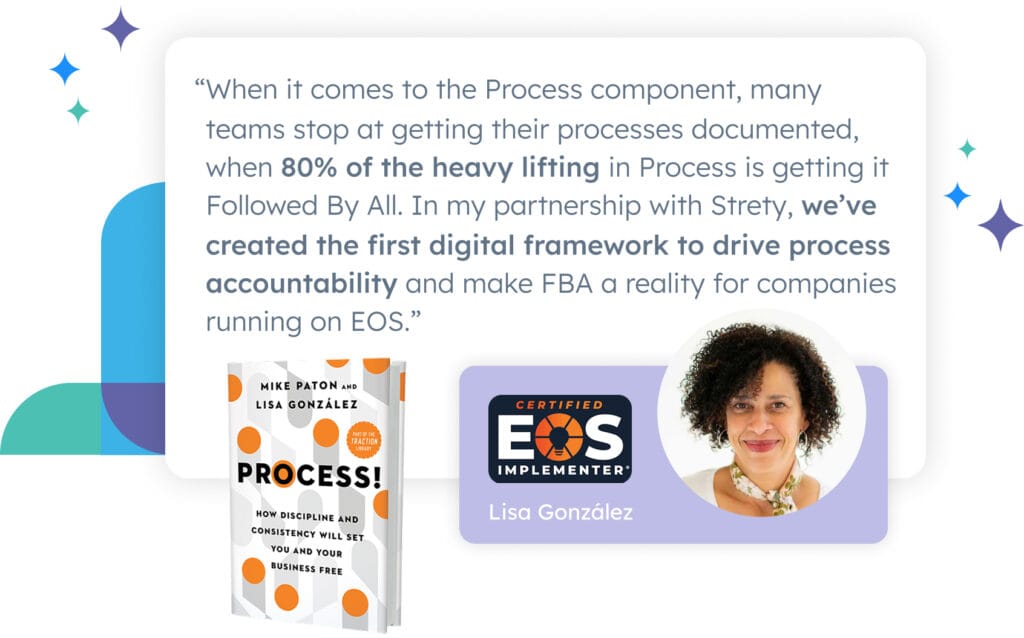
We partnered with Lisa González — Certified EOS Implementer, co-author of Process! (the Traction Library’s definitive book on the Process Component), and process workshop facilitator — to build a tool that reflects how process documentation actually works in EOS companies. Lisa’s templates are built into the tool so your team can start with expert-informed structure from day one.

Frequently asked questions:
EOS Process Tools

Strety gives you a dedicated space to create, organize, and manage your core processes and sub-processes — right where you already run EOS. You can build processes from scratch, generate them with AI, or start from expert templates created with Process! co-author Lisa González. Each process tracks through standard EOS phases, connects to your Rocks and Measurables, and can be published company-wide with version history.

Core processes represent your handful of high-level processes — the ones EOS asks you to identify, document, and get followed by all. Inside each core process, you add sub-processes that break the work down into the specific workflows your teams actually follow. Sub-processes can be owned by different teams but still roll up to the core process the leadership team owns. You can also create standalone processes that aren’t attached to a core process and attach them later when you’re ready.

Yes. Any process can be shared with other teams in Strety, so departments that co-own a workflow — like sales and customer success — can both view and edit it. The process still has one owner, but shared teams get full access. When you share a core process with a team, all of its sub-processes become visible to that team as well.

When a process is ready for the company, you publish it to your company-wide process library — a read-only view visible to everyone in the org. Published processes can be printed to PDF. Each time you publish an update, Strety saves a new version so you can see what changed, when, and who published it. You can view and compare previous versions anytime from the version history.

Both. Strety includes built-in templates developed with Lisa González, co-author of Process! — common core processes that most companies need, ready to customize. You can also generate a process with AI by describing what you need, and Strety will create a structured starting point you can edit from there.

You can attach Rocks and Measurables directly to any process or core process, so your documentation stays tied to the goals and metrics that drive execution. This means your process work isn’t sitting in a vacuum — it’s connected to the same Rocks your team is tracking in their L10s and the Measurables on their Scorecards.

Strety sends automatic update reminders on a cadence you set so processes never go stale between quarterly updates. You can also create To-Dos manually from anywhere inside the Process tool — from a core process, a sub-process, or a step — so action items stay connected to the documentation that generated them.

More to Explore

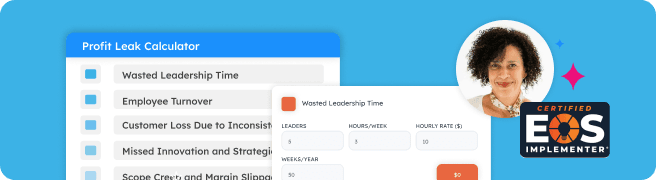
How much does it cost to lack Process? Check out Lisa’s Profit Leak Calculator to find out.

How a Dinner in Denver Led Us to Build Process in Strety 

Ready to learn about more Strety features?

Want to see how Strety helps your Processes get Followed By All?

Book one of our experts for a product walkthrough that will help you learn how we manage core processes.