Projects
EOS software + Project Management
Tie your project management into your EOS implementation — from tiny tasks to giant initiatives, Strety Projects help you get stuff done.

Tie your project management into your EOS implementation — from tiny tasks to giant initiatives, Strety Projects help you get stuff done.
Modular, robust, and effective project management tools make work flow more easily in Strety.

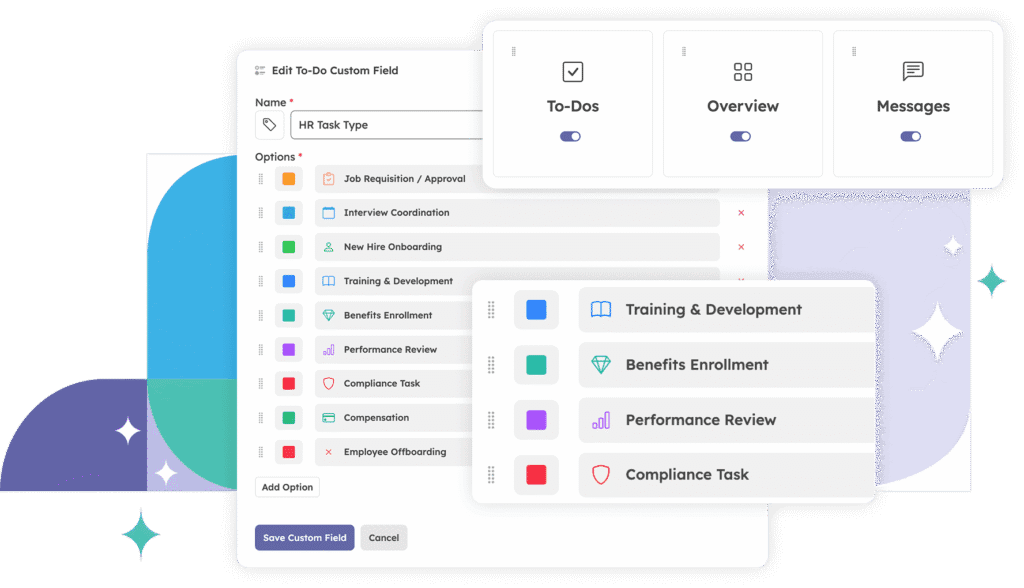
Customizable project tool setup to use what you need and ditch what you don’t

Add people to a Project regardless of team or reporting structure for cross-functional collaboration
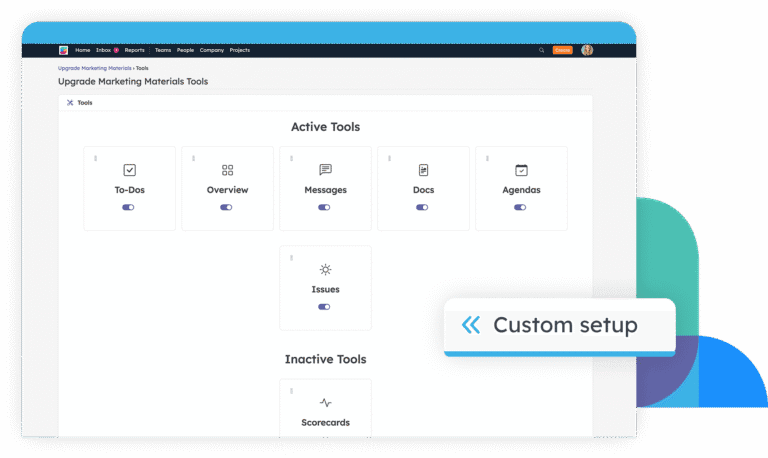

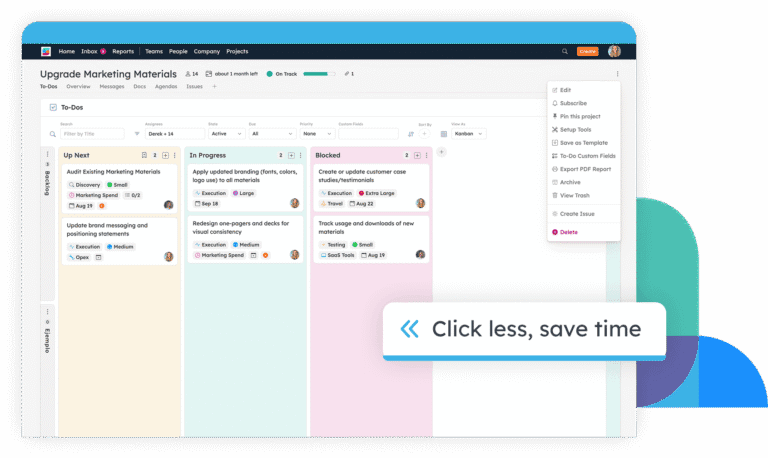
Use To Do Custom Fields and the standard To Do fields to stay visually organized

Keep your tasks contextual by relating them to other To Dos and Issues
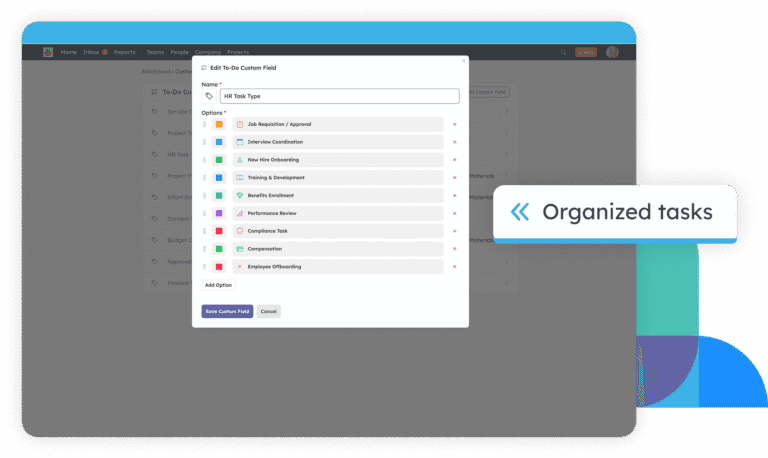

Create To Do List and Project templates for recurring workflows, common project types, and high-impact initiatives

Standardize Projects and To Do Lists to improve quality, enable scalability, and save time

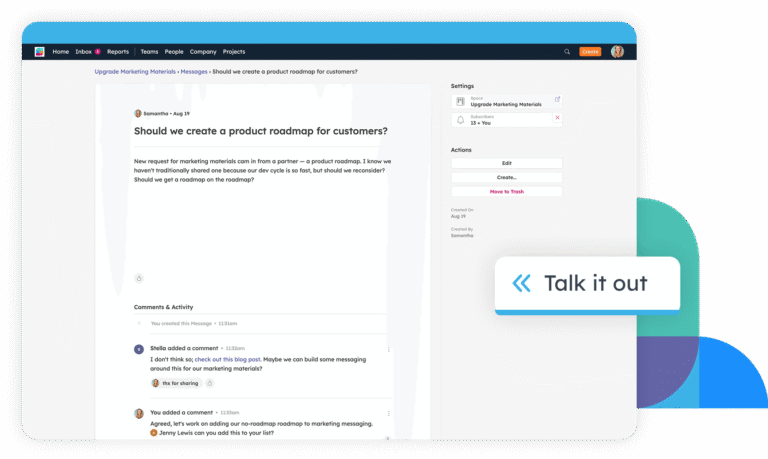
Use Docs to store important Project info and Messages to chat through your thoughts — async, contextual, and saving time

Communicate anywhere with threaded comments on To Dos, and instantly create Issues when yellow flags pop up

Having a tool to track objectives, projects, and issues fills a crucial gap left by other tools we use. We like having a single location for this information which is important to us as we attempt to become more efficient.
Rick

The platform’s high level of customization has enabled us to tailor it precisely to our needs, streamlining workflows and eliminating friction between tools and teams. As a result, communication, tracking, and project management have all improved, leading to a noticeable boost in productivity.
Jay

Projects are included at no additional cost with your Strety subscription. No special tiers, add-on fees, or confusion — just one affordable price for all your features.
Yes! When a Rock is really a large project, you can link your Strety Rock to your Strety Project. Just edit the Rock’s progress type to “From Project” and the Rock status will be driven by your project progress.
You can add the Project Tool to your L10 agendas for dedicated project status updates. Projects often warrant discussion in weekly team meetings, so this keeps everyone aligned without extra meetings.
Absolutely! Unlike Rocks, Projects aren’t constrained by team-based permissions. You can bring in people from other teams, making cross-functional collaboration much easier.
You need to first enable Projects in that team space before it will appear as an option when creating new projects.
We recommend updating your project status at least once per week. Include what’s been completed recently, any blockers, and general sentiment on how things are going.
Get a walkthrough with one of our product experts. We’re excited to show you what we’re building!

Proud Platinum sponsor for the EOS community! Join us: