Reports
Get a bird’s eye view of your team’s performance
Track accountability without micromanagement. Strety Reports give you insights across your org’s execution, activity, and team health.

Track accountability without micromanagement. Strety Reports give you insights across your org’s execution, activity, and team health.
See the big picture instantly — drill down when you need to.

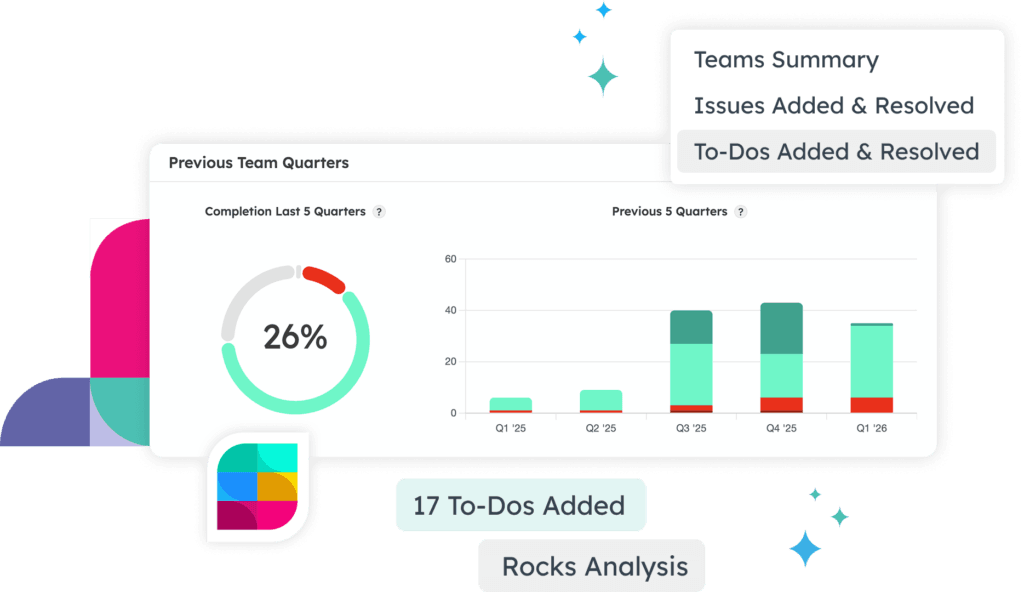
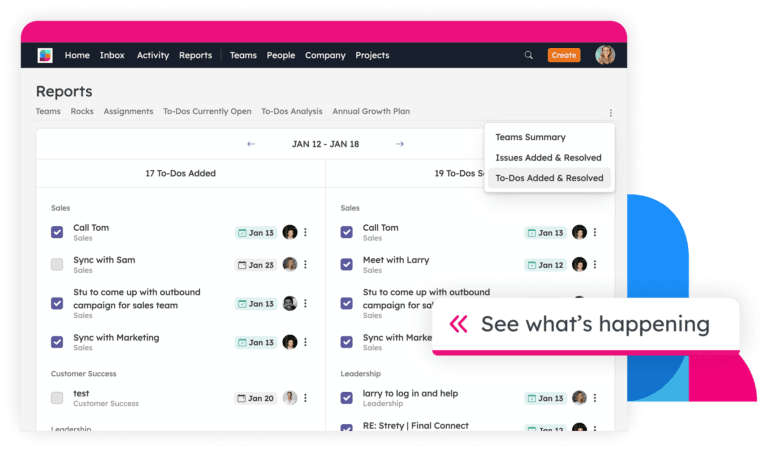
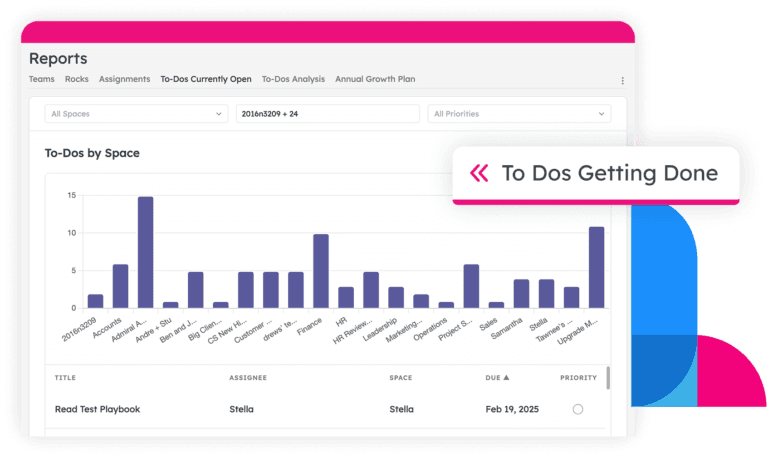
To Dos added and closed give you a realtime peek into your team’s productivity

Check out Issues added and resolved for a pulse-check on your EOS engagement

See Rock statuses across your org in one clean, clickable view

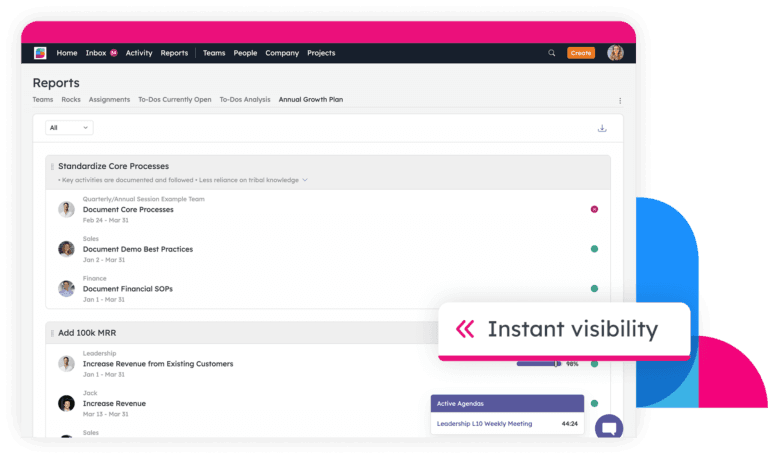
Check how your Annual Goals are tracking, along with the Rocks tied to them

Keep execution on track with instant access to older, most moved, and most re-assigned To Dos

See what your people are working on across teams with the assignments report

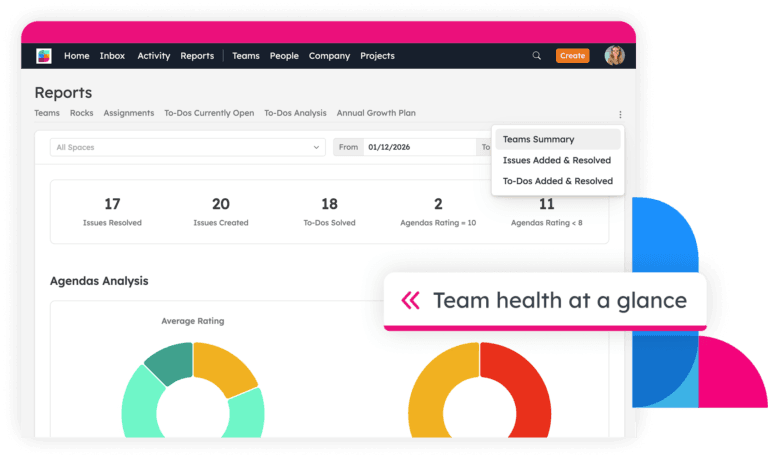
Instantly check the status of every team’s meeting ratings, Rocks, Measurables, To Dos, and Issues — in one clear view

Use combined data from across teams to see the areas your org as a whole is thriving (or just surviving)

The dashboards and information presentation are just better than the competitor products we compared it to. It’s clear that your team understands how people use information.
Tim

I love the reports — the ability to see a timeline and see who did what. I’ve caught a bunch of things that maybe shouldn’t have happened or accidentally happened, that way. The activity log, the analysis of what’s open, who’s got the most to do, what’s completed. My organization has 260 To Dos open and 390 closed at this moment. We’ve got a lot going on here.
Shaz

Reports are scoped to your role. You’ll only see data for the teams and people you already have access to in Strety — so there’s no extra setup or permissions to worry about. Admins and managers naturally see more because they have broader visibility.
Yep. Every report can be filtered by team grouping and date range, so you can zoom into one department for a specific quarter or pull back and look across the whole org. Filters apply instantly — no waiting around.
After the asynchronous portion of the review, you can get into the nitty gritty during your realtime Quarterly Conversation, with documented, tangible information to work from.
Every chart has drilldown built in. Click any segment and you’ll get an actionable table underneath — showing you the specific Rocks, To Dos, or Issues behind that number. From there, you can open items directly, leave a comment, create an Issue, or add a To Do to course correct. The point is to go from insight to action without leaving the page.
You get a check-in summary of all Rocks across every team, plus a quarterly summary from previous quarters. Quick filters help you spot the ones that need attention — like Rocks that haven’t been checked in for 14+ days, Rocks that have been off track for two or more consecutive check-ins, overdue Rocks, and Rocks with no milestones. Each filter links to a drilldown table so you can act on what you find.
It surfaces the To Dos most likely to slip through the cracks — the oldest open ones, the ones that have been reassigned, and the ones with due dates that keep getting pushed. You also get a summary of any To Dos you’ve assigned to others, which is handy for managers who want to stay informed without hovering.
A single view of every team’s meeting ratings, Rock status, Measurables, To Dos, and Issues — broken down team by team. You can quickly spot which teams are on track and which ones might need a conversation. It’s also useful for seeing org-wide patterns, like whether meeting engagement is dipping across the board.
Yes — the Annual Growth Plan report shows the linkage between your Annual Goals (from your Company Vision) and any contributing Rocks. You can see the status of the Rocks most directly affecting your top objectives, all in one view.
That’s exactly what it’s for. The activity report gives you a week-by-week lookback at To Dos and Issues added and resolved, broken down by team. It’s a quick way to catch up after a busy week or some time off — without needing to ask everyone for an update.

Integrator Dana Johnson used Strety Reports and performance management for visibility without micromanagement
Walk through the product with one of our experts!