AI Suggestions

Use AI Suggestions for Rocks, Scorecards, Process, and more to defeat blank page syndrome

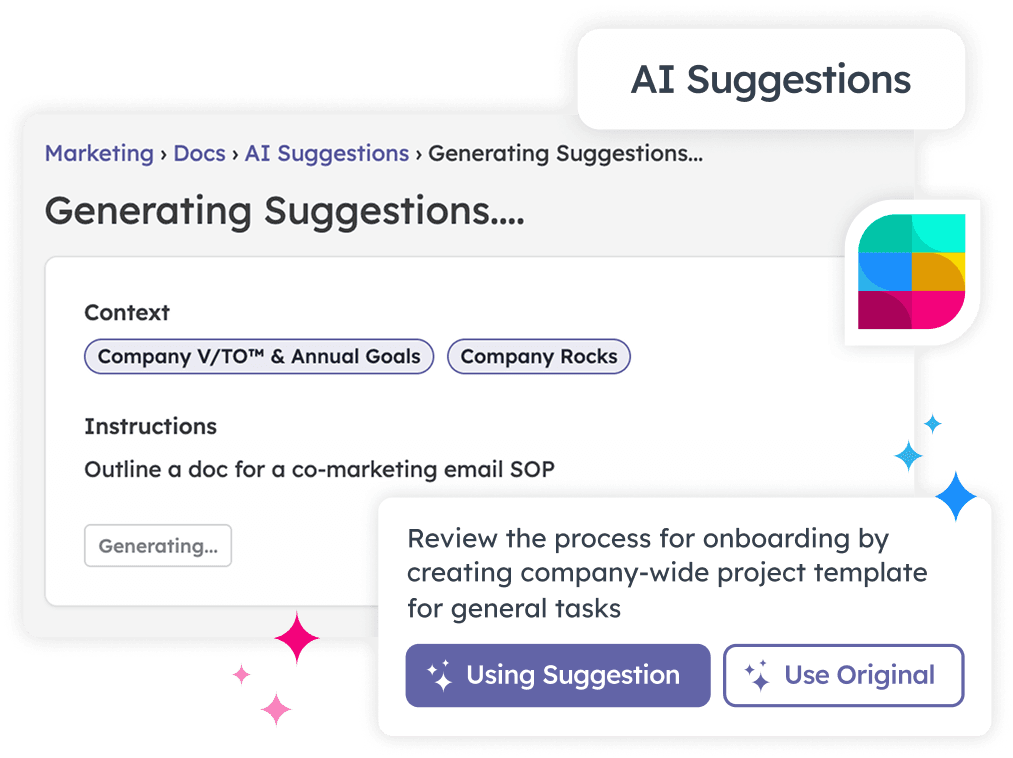
Sometimes the hardest part of getting started with EOS® is… getting started. Our AI suggestions are guided by EOS-expert-developed prompts and your own company info — no random, generic templates that will require major contortions to get right. Generate a starting point in seconds, instead of talking in circles.

AI Suggestions: Rocks, Scorecards, Process, Agendas, and Docs

Learn how to start faster and execute more.

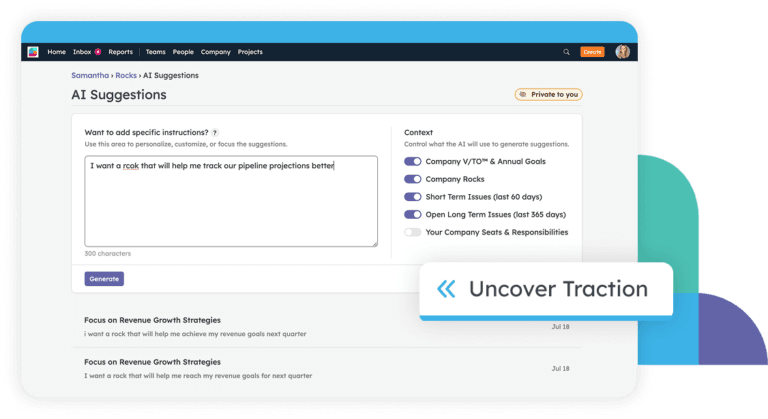
Get Rock ideas in seconds, pulled from your company’s existing Rocks, open Issues, and seats — so every suggestion fits your real priorities

Beat the blank quarter and start with a solid 
draft you can edit, assign, and put into motion right away

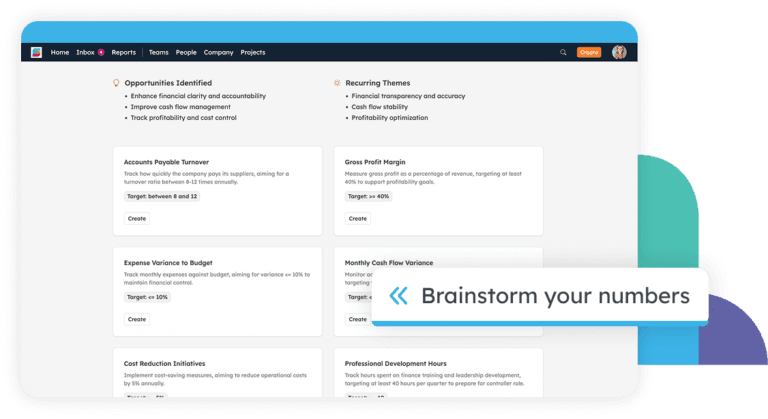
Get relevant, measurable ideas based on your seats, responsibilities, and goals

Start your Scorecard in minutes to track the numbers that predict results

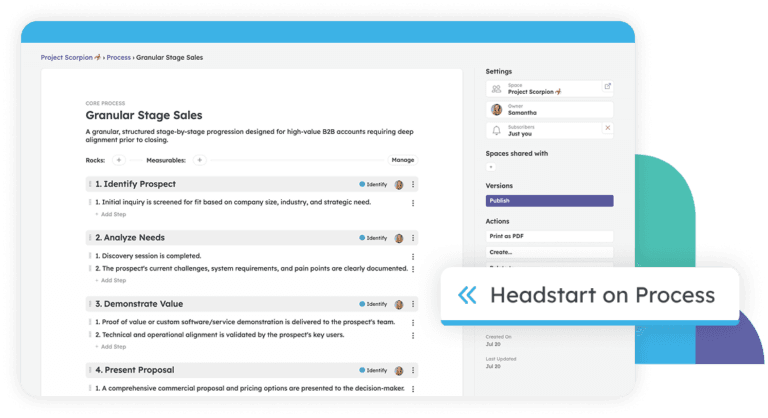
Document your core processes without staring at an empty page, then refine them into your team’s real way of doing things

Follow the EOS three-step approach (Identify, Document and Simplify, Package) with a head start on every sub-process

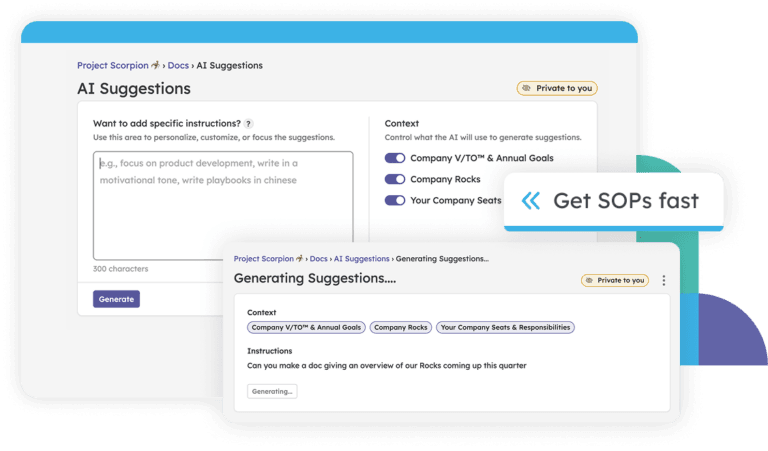
Turn a rough idea into a structured SOP or doc in seconds, ready for your team to follow

Get documentation moving and then edit the draft to match how your team actually works

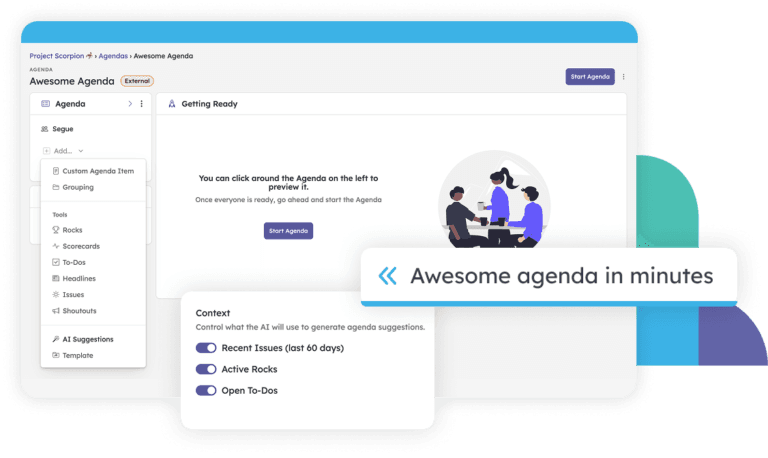
Build a focused meeting agenda from a quick prompt, so every minute has a purpose

Skip the from-scratch setup and turn your ideas into a ready-to-run agenda in minutes

More to Explore

Building the AI Assistant We Actually Wanted

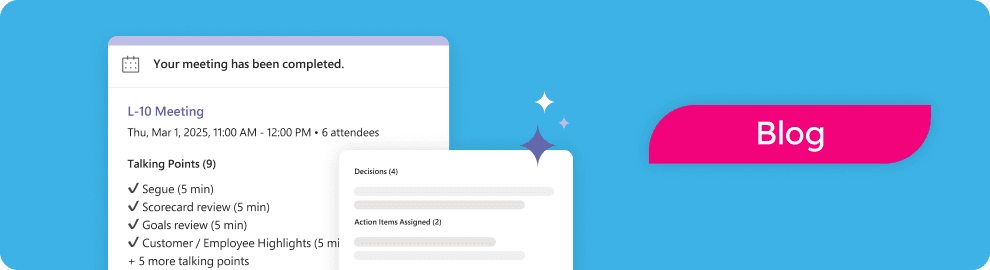
Overview of meeting completed in Strety, for AI suggestions

Strety MCP (Model Context Protocol) Workshop

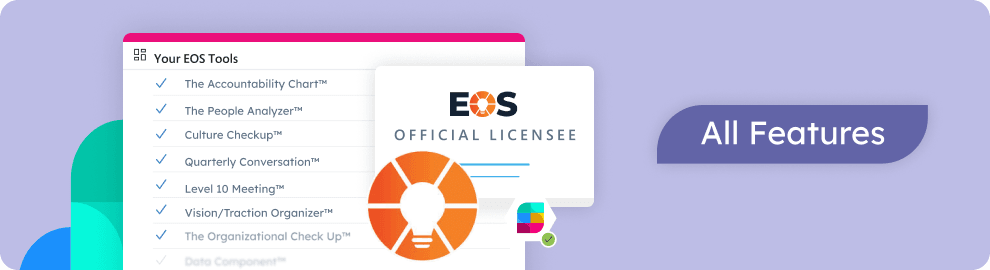
EOS software Strety HR features as an official EOS licensee software, including: The Accountability Chart, The People Analyzer, Culture Checkup, Quarterly Conversation, L10 Meeting, V/TO, the Organizational Check Up

Ready to learn about more Strety features?

Frequently Asked Questions:
Strety AI Suggestions

How accurate are the AI suggestions?

They’re guided by EOS-expert-developed prompts and your own company info, so you get suggestions that fit how EOS works and how your business runs — not generic filler you have to rewrite from scratch.

Where does the AI get its context?

It draws on the info already in your workspace — things like your existing company Rocks, recent Issues, and your seats and responsibilities — plus any specific instructions you add. The more context you build in Strety, the more tailored your suggestions get.

Is my company data safe?

Yes. Suggestions are generated through a trusted AI provider, and the AI never gets raw or uncontrolled access to your Strety workspace. It only sees the controlled context needed to make a relevant suggestion.

Can I edit what the AI suggests?

Always. Every suggestion is a starting point you can shape. Keep what works, change what doesn’t, and make it yours before you save.

Which parts of Strety have AI Suggestions?

Rocks, Scorecards, Process, Docs, and Agendas. We’ve added AI where it helps you start faster — and we’re adding more over time.

Do I need to be an EOS expert to use them?

No. The prompts were built with EOS expertise baked in, so newer teams get a confident starting point and seasoned teams get a faster one.

Want to see how Strety AI Suggestions get you executing the EOS core components even faster — and with more context?

We’d love to show you some live examples — relevant to your business. Click below to walk through it with one of our experts!

Proud Platinum sponsor for the EOS community! Join us: