How does AI Assistant work?
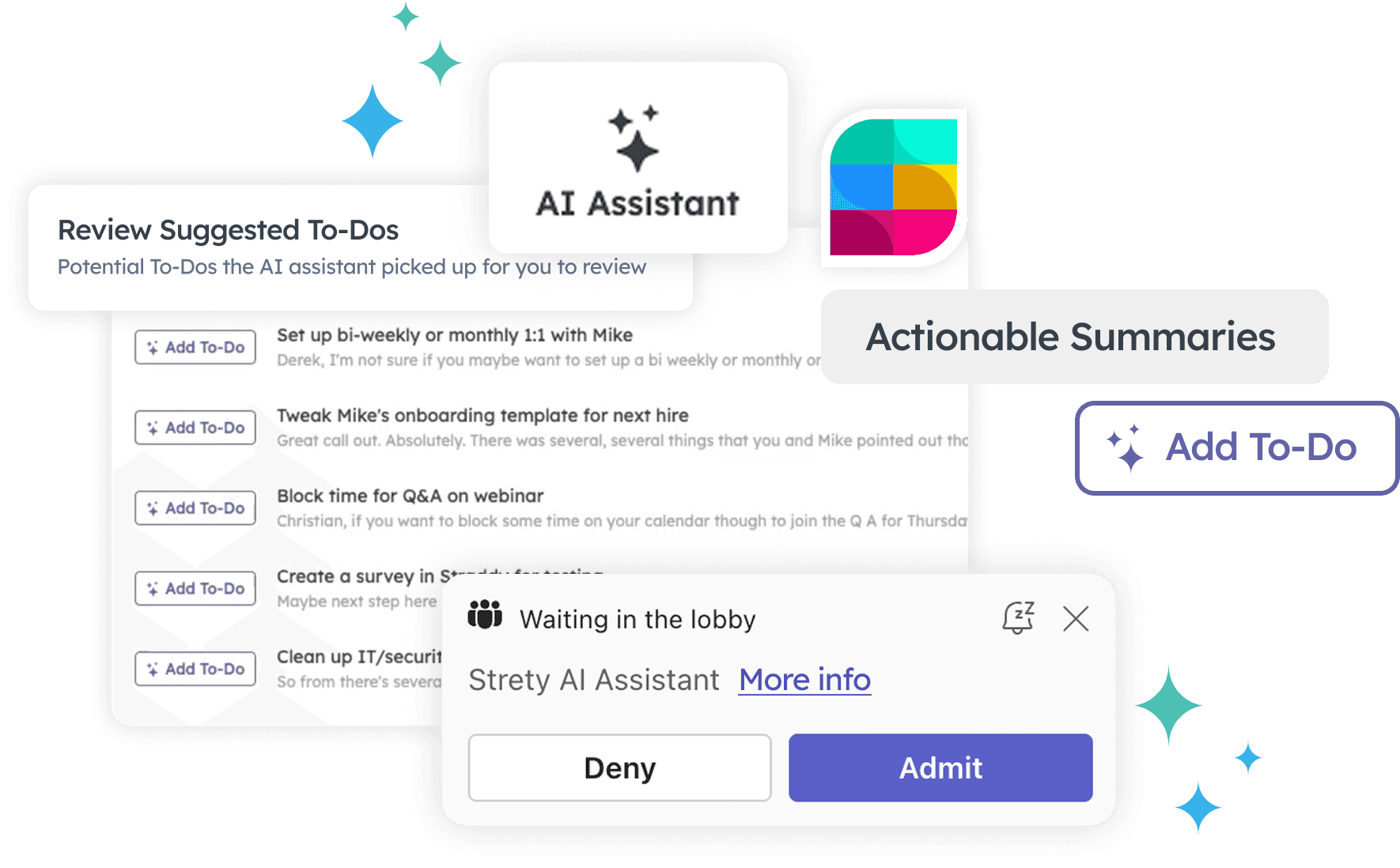
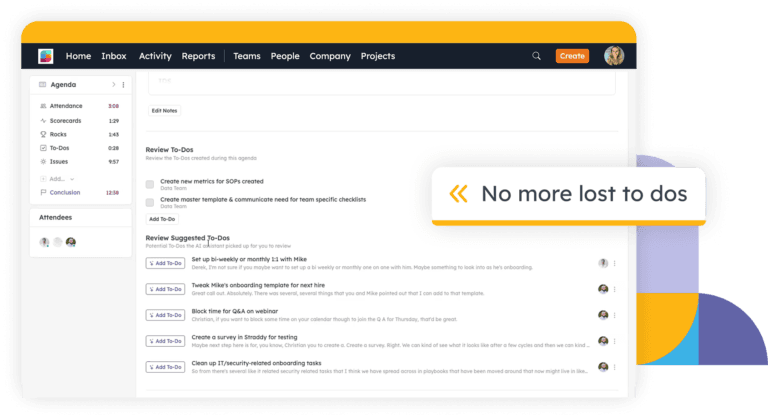
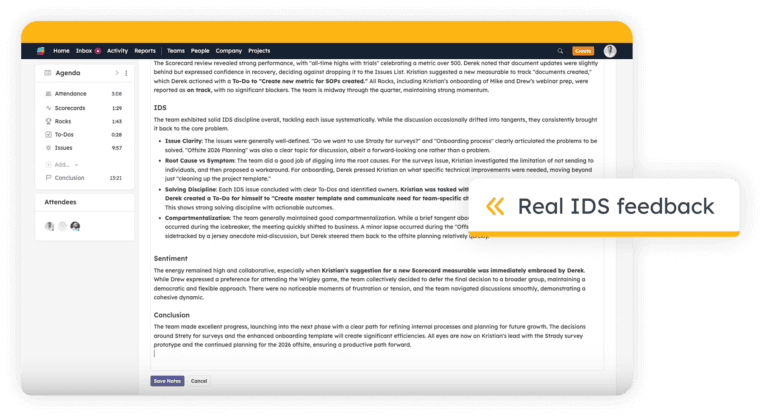
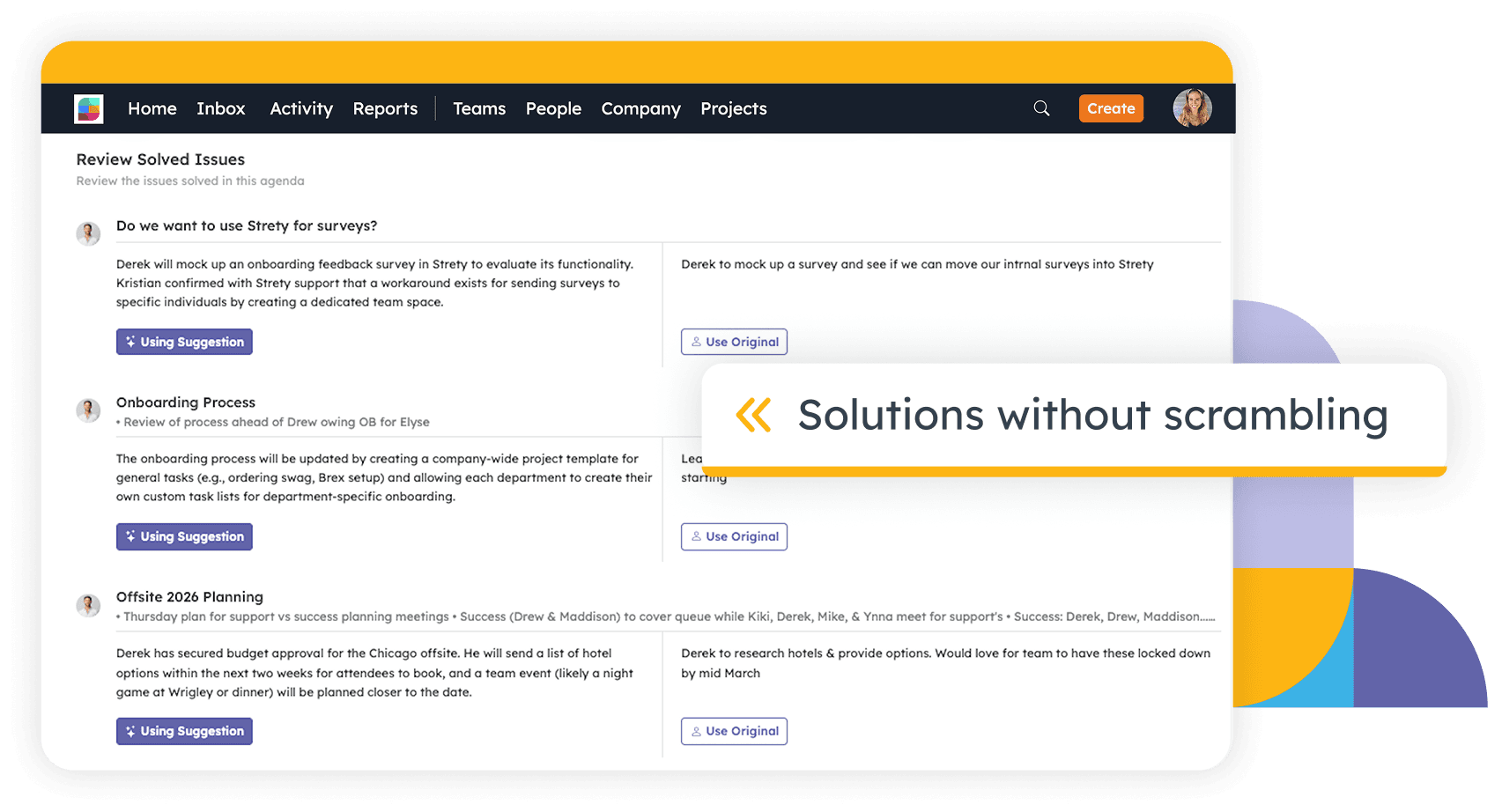
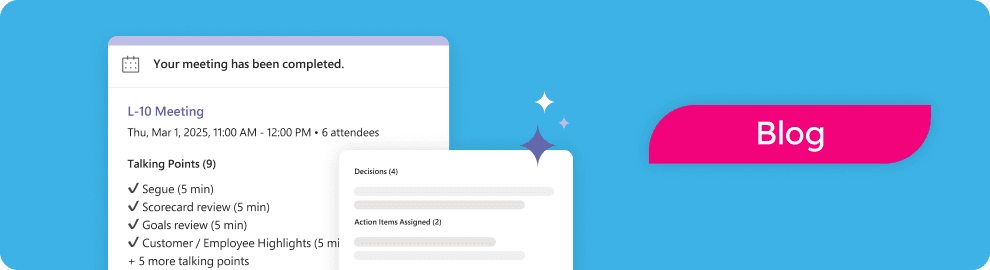
Start your agenda in Strety, invite AI Assistant, paste your meeting link, and select your summary template if desired. The AI Assistant joins your video call as a visible participant, transcribes the conversation, and after the meeting suggests meeting notes, to-dos, and issue resolution notes. You review, edit, and accept what you want before completing your meeting.
Is my meeting data secure?
Yes. Recording and transcription are handled by Recall.ai, a SOC 2 compliant provider. Transcripts are processed by an LLM with zero-data-retention — your data is never stored, logged, or used to train AI models. Recordings are automatically deleted within one hour after processing.
How much does it cost?
Every Strety customer gets 4 hours (240 minutes) of AI Assistant usage included per billing cycle. Additional usage is billed at $2.00 per hour (3.6¢ per minute USD, 4.2¢ per minute CAD, 4.7¢ per minute AUD, 2.5p per minute GBP). Trial accounts also get 4 hours included, but the allowance doesn’t reset during the trial.
Can I pause the recording during sensitive discussions?
Yes. You can pause and resume at any time.
Do I have to accept every suggestion?
No. You have full control to review, edit, or reject every suggested note, to-do, and resolution before completing your meeting.
Who can enable AI Assistant for our organization?
Account Owners and Admins can enable it from Advanced Features in Adminland. They can also control which space types (Team, Person, Project) have access.