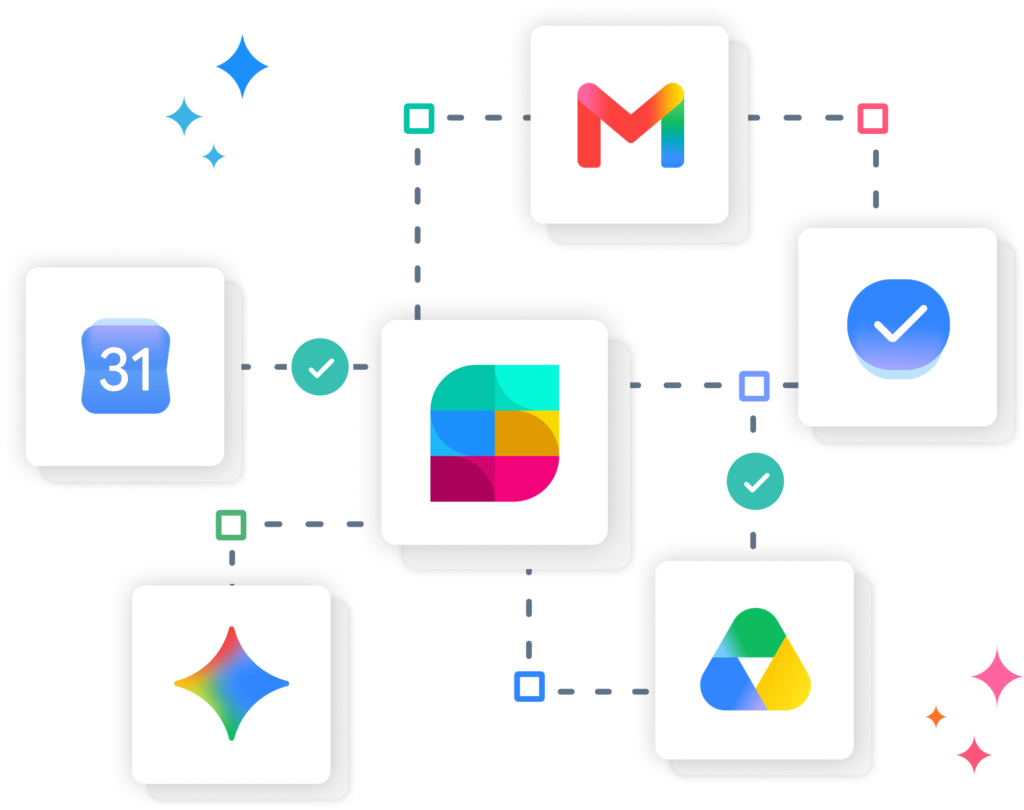
Google integration with Gmail, Google Calendar, Google Tasks, Google Drive and Gemini logos connected to the Strety logo.
Google Integration

Run EOS In Your Google Stack

Integrate Strety with Google tools to get your EOS workflow move faster and more consistently. Strety connects with Google Tasks, Gmail, Google Calendar and allows for Google Single Sign-On, bringing EOS to your existing Google stack.

Strety’s Google Tasks Two-Way Integration

Weave EOS into your daily workflows by keeping your tasks where you already work them: your Strety To Dos and Google Tasks are automatically in sync! Say goodbye to duplicate manual updates and stay focused on completing your work. If you’re a Google Task power-user running on EOS, this one’s for you.
Google Tasks integration with Strety
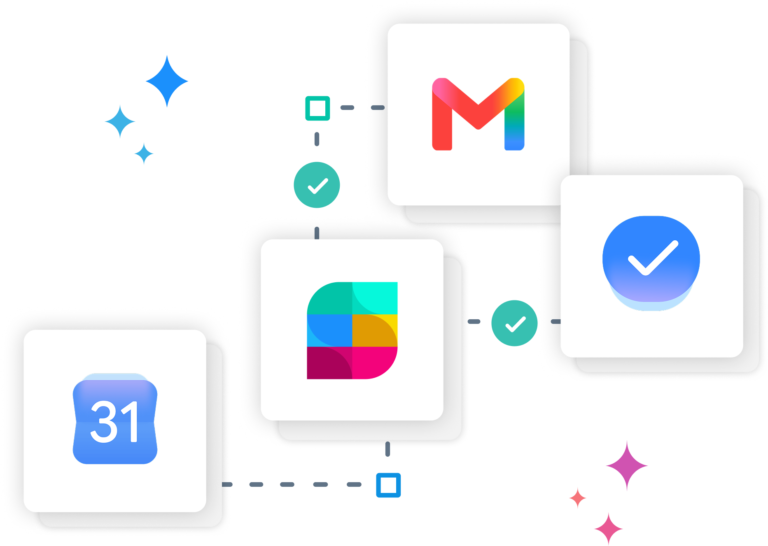
Google Calendar, Gmail and Tasks connected to Strety

Strety’s + Google Calendar & Gmail

Dive deeper into the Strety’s Google integration with Strety To Do and Google Task updates directly in your Google Calendar and Gmail. Whichever changes you make to your linked Strety To Dos involving due dates or checking off tasks, they’ll sync back where the rest of your work lives. Checking on your EOS daily workflow will never be easier 😎

Google Docs + Drive

Ensure nothing ever falls through the cracks by getting your processes fully embedded in your EOS implementation — link existing PDFs, Docs, and Sheets living in your team’s Google Workspace directly into your Docs in Strety.
Google Drive and Docs connected to Strety
Strety Google SSO

Strety’s Google Single Sign-On (SSO)

You’re speedy, secure, and ready to Strety with Google SSO. Your company admin will send you the invite to join via Google — once accepted, go ahead and login with your Google account going forward. Want a full walkthrough to set up Strety’s Google SSO? Check our help guide.

Get more done with Strety’s Gemini connector
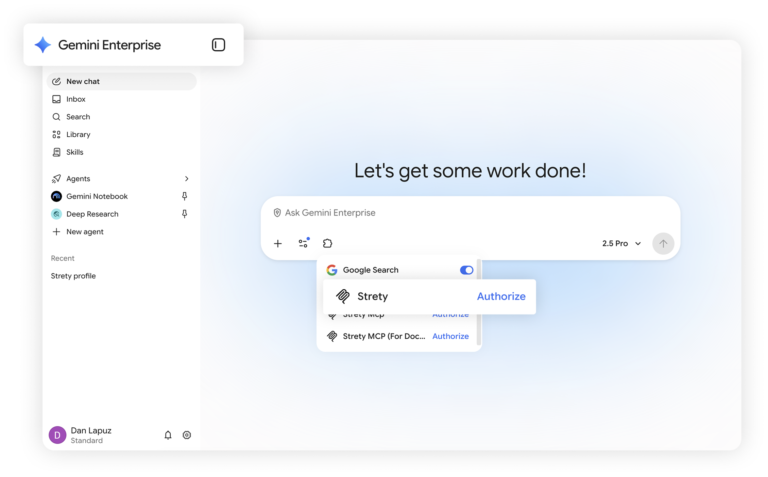
Create some magic in Gemini with the Strety MCP! Work from fewer tabs and double down on tasks accomplished by working in Strety directly from your fav AI chat. Ask Gemini to create To Dos, add notes to them or close existing ones, help you with your Rocks, and so much more. The EOS workflow is your oyster with Strety’s Gemini Enterprise connector.
Strety connection to Gemini
Strety and EOS Worldwide logos

Built by EOS super-users

Before Strety, there was BrightGauge — the company where our cofounders first put EOS into practice, spreadsheet and all. When that DIY setup hit its limits, they built purpose-made EOS software to take their own implementation further. Word got around, and other EOS practitioners wanted access to the same solutions created at Strety — turning it into the EOS software people love today. Strety now operates as an established EOS Licensee, serving EOS Integrators and working alongside some of the field’s most experienced EOS Implementers.

Frequently asked questions about Strety + Google

Strety connects with Google Tasks, Gmail, Google Calendar, Google Docs & Drive, and supports Google Single Sign-On — so your EOS workflow can run alongside the Google tools your team already uses daily.

Yes, it’s included. Google Tasks, Gmail, Calendar, Docs & Drive, and Google SSO are all part of Strety’s integration ecosystem at no additional cost — you’ll just need an active Google account to connect them.

After adding the integration, create a To Do in Strety. You’ll see the Google Tasks icon at the bottom, which confirms the integration went through successfully.
No. The Google Tasks sync belongs to your personal space, so you can use it even if it’s not rolled out company-wide. Google SSO, however, is set up by your company admin.
Yes. You can set Google Tasks as your default integration in your personal space, so any new To Do assigned to you in Strety automatically appears in Google Tasks.
Yes — the sync goes both ways. Completing a linked task in Google Tasks marks it as done in Strety, and vice versa.
Yes. Once your Strety To Dos are synced with Google Tasks, due dates and completed tasks also reflect in Google Calendar and Gmail, so you can track your EOS workflow from wherever you’re already working.
Yes. You can link PDFs and Docs already living in your team’s Google Workspace directly into your Playbooks in Strety, keeping your processes and documentation in one place.
Your company admin sends you an invite to join Strety via Google. Once you accept, you can log in with your Google account going forward. Check our help guide for a full walkthrough.
Yes. Strety supports Google Tasks, ClickUp, Asana, Microsoft To Do, Microsoft Planner, Monday.com, HubSpot, Todoist, and several PSAs — you can install more than one and choose which to use when creating new To Dos.

What people love about Strety’s integrations 💜
We have been impressed with the quick responses (and spot-on answers) to questions; how easily it integrates with other products…
We love the integrations. Overall an excellent tool.

More to Explore

Strety Help Docs

Google Tasks Integration & SSO Help Docs
Want a full walkthrough on setting up the Strety + Google Tasks integration & SSO? Start here.
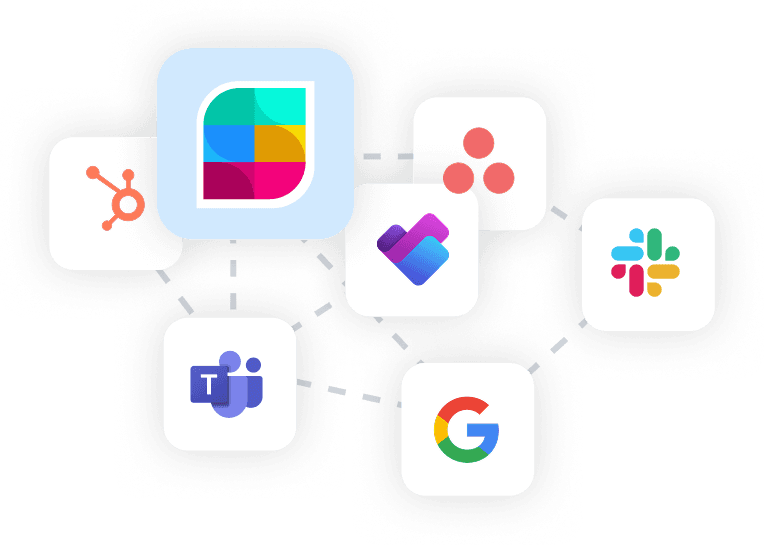
Strety logo and other integrations logo, including Asana, HubSpot, Slack, Planner, Teams and Google

All Integrations

Discover more of Strety’s integrations to connect your fav tools with your EOS® implementation.
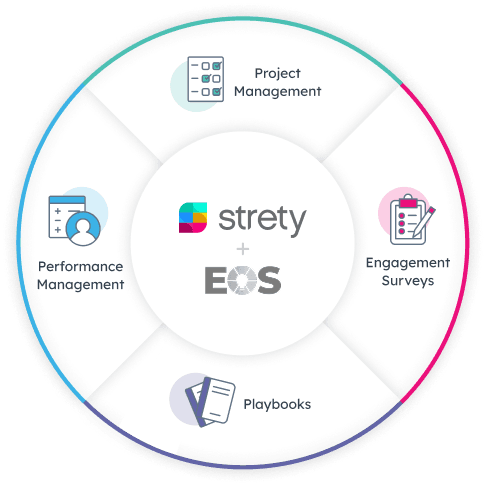
Strety wheel showing EOS+ features, including Project Management, Engagement Surveys, Playbooks, Performance Management

More Features

Check out Strety’s built-in tools 
for EOS® implementation plus everyday execution.
Want to test-drive Strety + Google working together?

Start your free trial and get your EOS software linked to your everyday tools from day one. Spoiler: it makes your working life way easier 😎

Proud Platinum sponsor for the EOS community! Join us:

;