Todoist Integration
Strety's Todoist Integration: Two-Way Sync for EOS Orgs
Strety’s two-way Todoist integration syncs your To Dos and Todoist tasks automatically across both platforms. Connect your EOS software with Todoist — no more duplicate updates or wondering which platform has the latest changes. Built for people on EOS teams who run Strety alongside Todoist for personal productivity.
How the Strety + Todoist Integration Works
Connect Strety and Todoist with two-way sync to keep your To Dos and Todoist tasks up-to-date across both platforms in real time.

One click, two tasks
You create one task, it appears twice. The two-way sync automatically adds your linked task from Strety to Todoist.

Kept in sync
Changing due dates to your tasks in one platform means the other will be updated too — it’s all synced.

Done x2
With the two-way sync, you close a task in one platform, it’s closed in the other — one more off your list!
How to get started with the Strety + Todoist integration
Collapse software sprawl with the Strety Todoist integration in only four easy steps. Note: you need to use the same email linked to your Strety account.
Step 1:
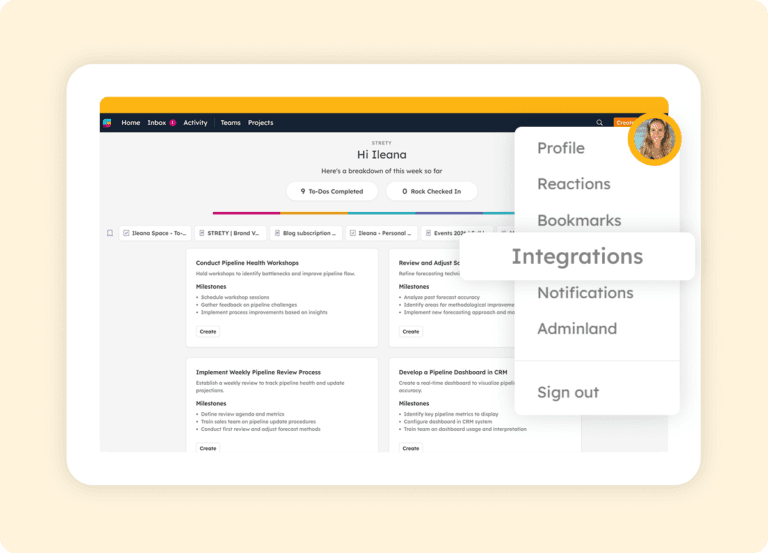
Click on Integrations from your profile
Choose Integrations under your Strety profile (where the icon with your pic or initial is).
Step 2:
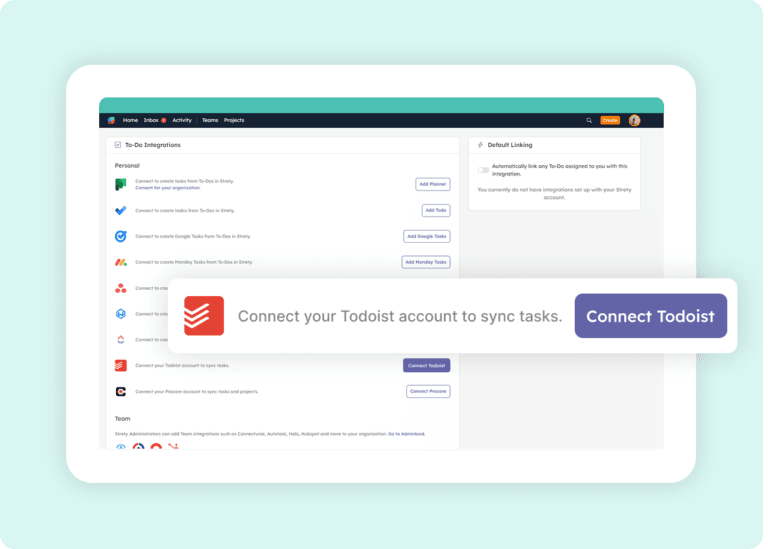
Connect Todoist
Click on Connect Todoist from the list of integrations.
Step 3:
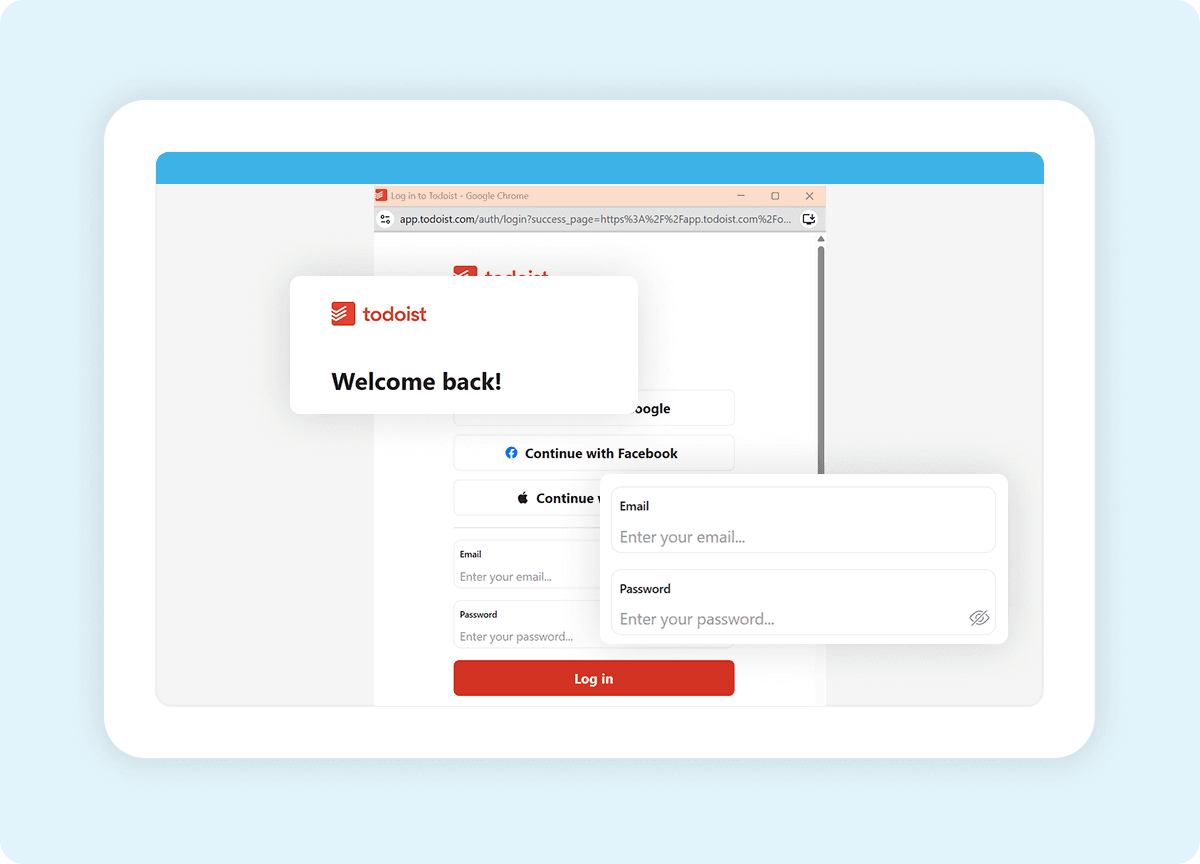
Give access to Strety
Login to your Todoist account then authorize the access to Strety.
Step 4:
Start working in sync
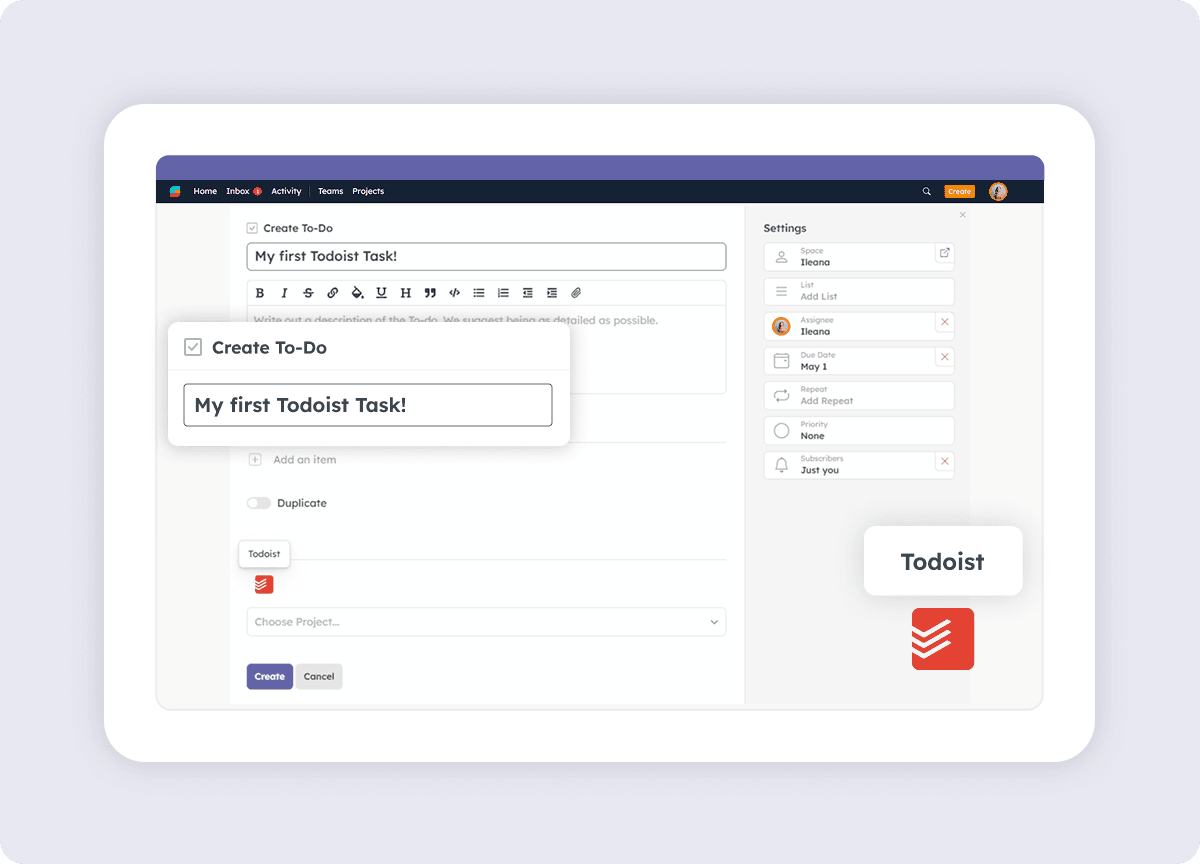
You’re all set and ready to create your first linked To Do! Under the Strety To Do, click on the Todoist icon and choose the right project space — your new task is added right where you need it in Todoist. That’s it — your Strety To Dos and Todoist tasks will now sync automatically in both directions.

Frequently asked questions about Strety’s Todoist Integration
How do I know if the Strety Todoist integration was successfully installed?
After connecting Todoist, create a new To Do in Strety. You’ll see the Todoist icon at the bottom of the To Do, which confirms the integration is connected and ready to sync tasks between the two platforms.
Is the Todoist integration included with Strety?
Yes. The Todoist integration is part of Strety’s integration ecosystem and available to all users at no additional cost. You’ll just need an active Todoist account to connect it.
Does the Todoist integration need to be implemented company-wide to work?
No. Todoist is a personal integration in Strety, so you can add it to your individual workflow even if your company hasn’t rolled it out to the whole team. Set it up whenever you’re ready.
Can I set Todoist as my default integration in Strety?
Yes. Once the Todoist integration is installed, you’ll see an option to set it as your personal default. When enabled, every new To Do assigned to you will automatically link to Todoist — saving clicks on every task.
What information syncs between Strety and Todoist?
The two-way sync covers due dates and completion status. If you change a task’s due date or mark it complete in either Strety or Todoist, the linked item updates automatically in the other platform.
How fast is the sync between Strety and Todoist?
The sync occurs every 30 minutes automatically, or instantly when you press the “sync now” button.
If I close a task in Todoist, does it close the linked To Do in Strety?
Yes. Once a task is marked complete in Todoist, the linked To Do will close in Strety on the next sync, thanks to the two-way connection.
Can I link a Strety To Do to a specific Todoist project?
Yes. When creating a linked To Do in Strety, you can choose which Todoist project to add the task to — keeping your EOS work organized within your existing Todoist structure.
Can I set up multiple task integrations in Strety?
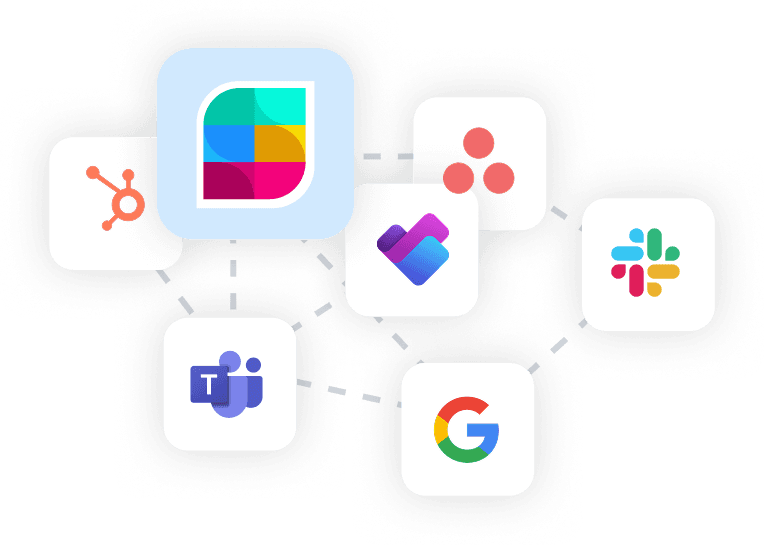
Yes. Strety supports multiple To Do integrations including Todoist, Asana, ClickUp, Microsoft To Do, Microsoft Planner, Monday.com, HubSpot, Google Tasks, and several PSAs. When creating a new To Do, you choose which integration to link it to.
Who is the Strety + Todoist integration built for?
The integration is built for EOS teams who run their accountability and meeting cadence in Strety and use Todoist for personal productivity. It’s especially useful for GTD practitioners who want their L10 To Dos and personal task list in one synced view.
What people love about Strety’s To Dos integrations💜

Without being able to connect tools together through integrations, you’re pretty hamstrung.

Strety takes EOS to the next level and integrates into Microsoft/Teams/Planner and our PSA for simplifying to dos and projects, follow-ups, etc.
More to Explore
All Integrations
Discover more of Strety’s integrations to connect your fav tools with your EOS® implementation.
More Features
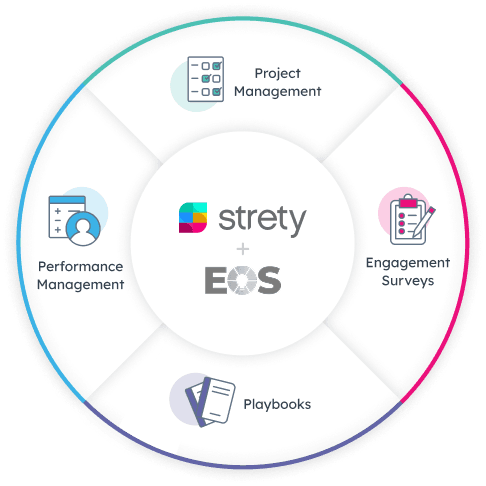
Check out Strety’s built-in tools for EOS® implementation plus everyday execution.
Want to test-drive the Strety + Todoist integration?
Sign up for your free trial now and get a taste of how it feels to sync your work between your EOS software and everyday tools: more calm, more clarity, and more things getting done.