Microsoft To Do Integration
Strety's Microsoft To Do Integration: Two-Way Sync for Teams on EOS
How the Strety + Microsoft To Do Integration Works

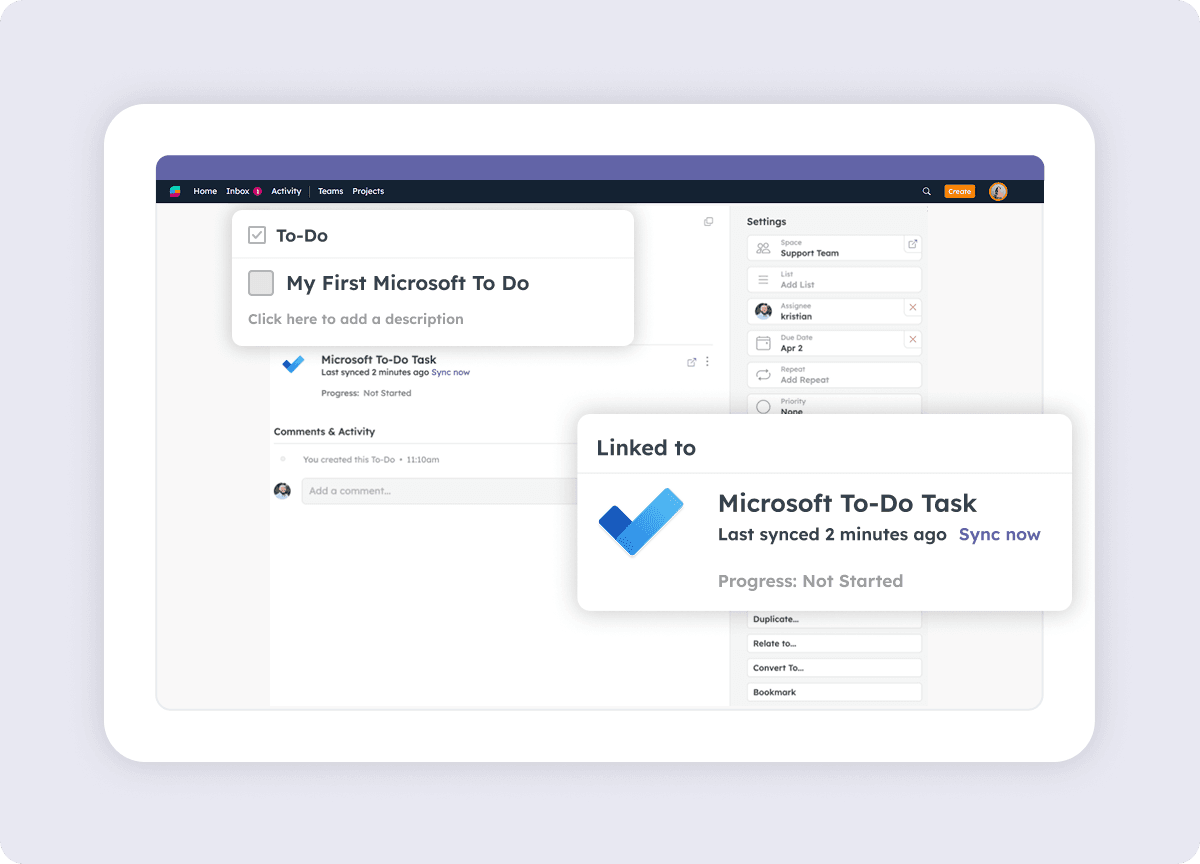
Create in one click

Sync magic

All done
How to get started with the Strety + Microsoft To Do integration
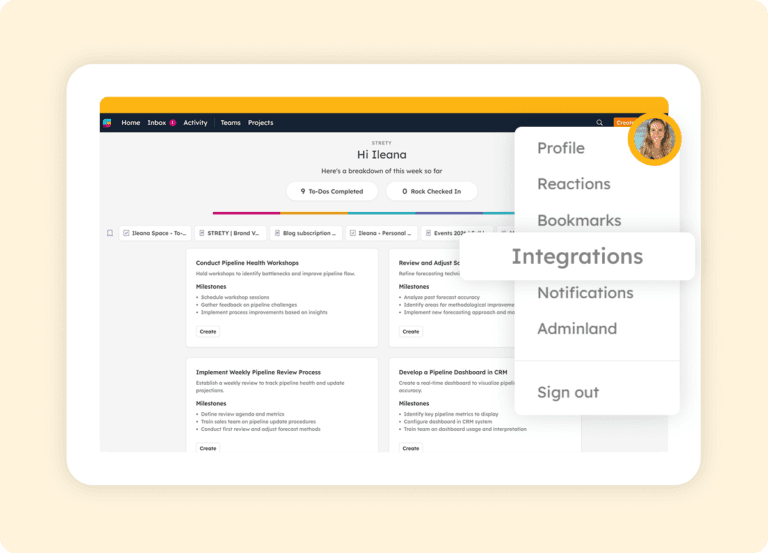
Step 1:
Go to Integrations
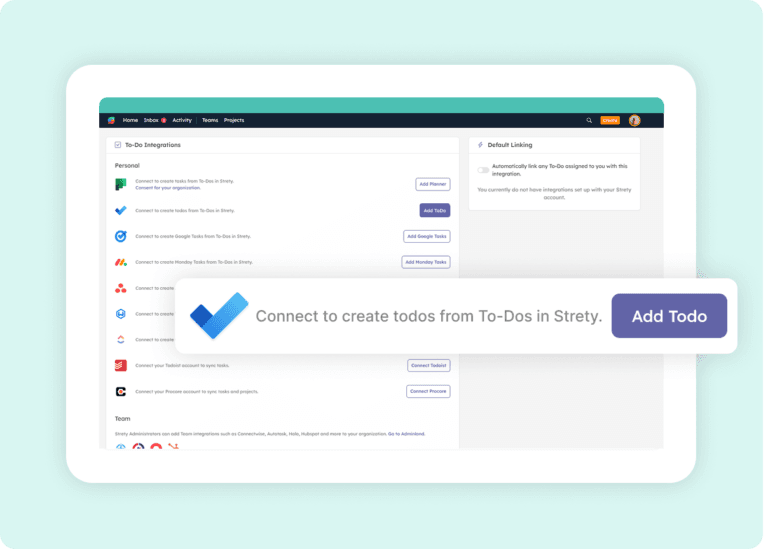
Step 2:
Click on Microsoft To Do
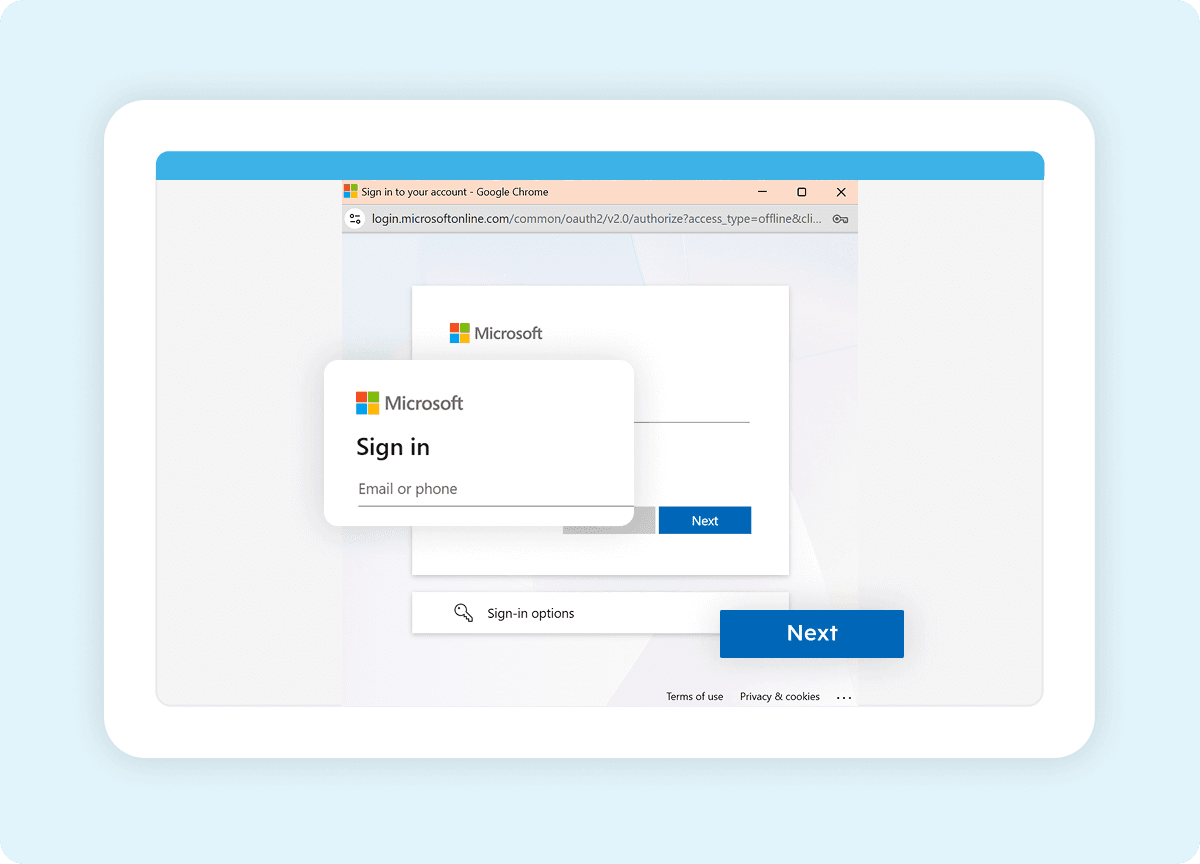
Step 3:
Select the account
Authorize Strety by clicking Allow and following the prompts (using the same email associated with your Strety account).
Step 4:
Create a synced To Do

Frequently asked questions about Strety’s Microsoft To Do Integration
How do I know if the Strety Microsoft To Do integration was successfully installed?
Is the Microsoft To Do integration included with Strety?
Yes. The Microsoft To Do integration is part of Strety’s integration ecosystem and available to all users at no additional cost. You’ll just need an active Microsoft account to connect it.
Does the Microsoft To Do integration need to be implemented company-wide to work?
Can I set Microsoft To Do as my default integration in Strety?
What information syncs between Strety and Microsoft To Do?
How fast is the sync between Strety and Microsoft To Do?
If I close a task in Microsoft To Do, does it close the linked To Do in Strety?
Yes. Once a task is marked complete in Microsoft To Do, the linked To Do will close in Strety on the next sync, thanks to the two-way connection.
Does the Microsoft To Do integration work with Microsoft 365 and personal Microsoft accounts?
Yes. The integration works with both personal Microsoft accounts and Microsoft 365 work accounts.
Can I set up multiple task integrations in Strety?
Yes. Strety supports multiple To Do integrations, including Microsoft To Do, Microsoft Planner, Asana, ClickUp, Monday.com, HubSpot, Google Tasks, Todoist, and several PSAs. When creating a new To Do, you choose which integration to link it to.
What's the difference between the Microsoft To Do and Microsoft Planner integrations?
Who is the Strety + Microsoft To Do integration built for?
The integration is built for individuals who run their EOS accountability in Strety and manage their personal task list in Microsoft To Do. It’s especially useful for team members who use Microsoft 365 daily and want their L10 To Dos integrated with the task tool they already check throughout the day.
What people love about Strety’s Microsoft To Do integration 💜


More to Explore
Help Docs

All Integrations
Discover more of Strety’s integrations to connect your fav tools with your EOS® implementation.
More Features
Check out Strety’s built-in tools for EOS® implementation plus everyday execution.