Strety and Microsoft To Do logos linked with a two-way sync icon, representing the Strety Microsoft To Do integration
Microsoft To Do Integration

Strety's Microsoft To Do Integration: Two-Way Sync for Teams on EOS

Strety’s two-way Microsoft To Do integration syncs your To Dos and Microsoft To Do tasks automatically across both platforms. Connect your EOS software with Microsoft To Do — no more double-clicking or duplicate updates. Built for EOS teams who use Microsoft 365 and manage their personal task list in Microsoft To Do.

How the Strety + Microsoft To Do Integration Works

Keep all your tasks in one space — create a To Do from your meetings, Rocks, Issues, and Headlines in either Strety or Microsoft and it’ll get synced in the other.
Strety Easy icon

Create in one click

Every To Do you create in one platform will auto-appear in the other — keep your work aligned in just one click.
Strety Sync icon

Sync magic

Your due dates will always stay in sync — you change them in either platform, they get updated on the other.
Strety Done x 2 icon

All done

No more duplicate updates. Close your To Dos in Strety and they will also be marked as completed in Microsoft To Do — and vice versa.

How to get started with the Strety + Microsoft To Do integration

No more switching platforms to get your To Dos aligned — install the Strety Microsoft To Do integration in four easy steps. Note: you need to use the same email account for both.

Step 1:
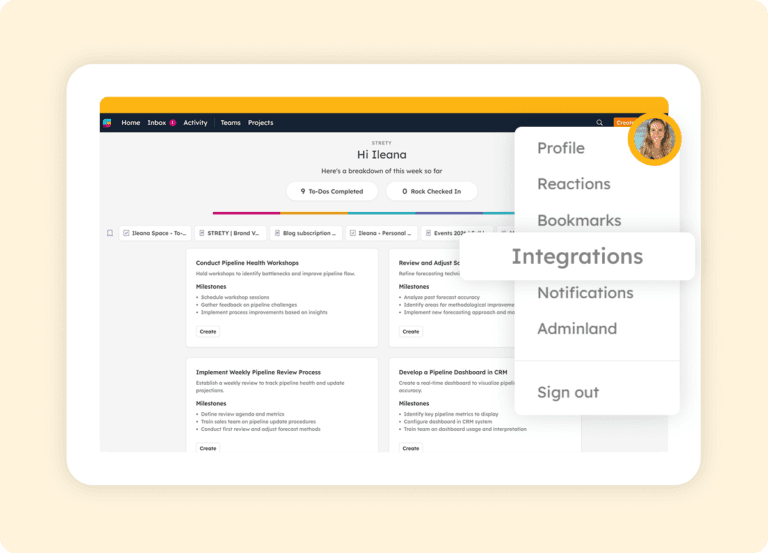
Go to Integrations

Under your Strety profile (the icon with your pic or initial at the top right), click on Integrations.
Strety profile menu showing the Integrations option

Step 2:
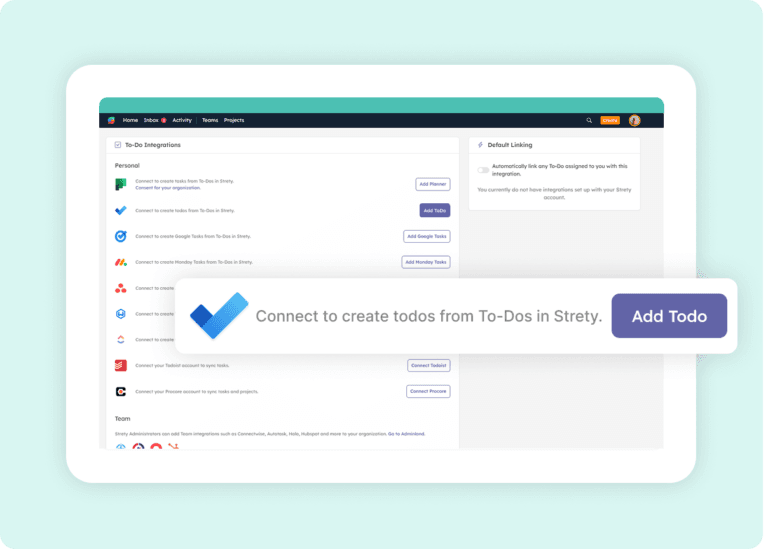
Click on Microsoft To Do

Click on Microsoft To Do from the integrations.
Strety integrations list with cursor on Add Microsoft To Do

Step 3:
Select the account

Authorize Strety by clicking Allow and following the prompts (using the same email associated with your Strety account).
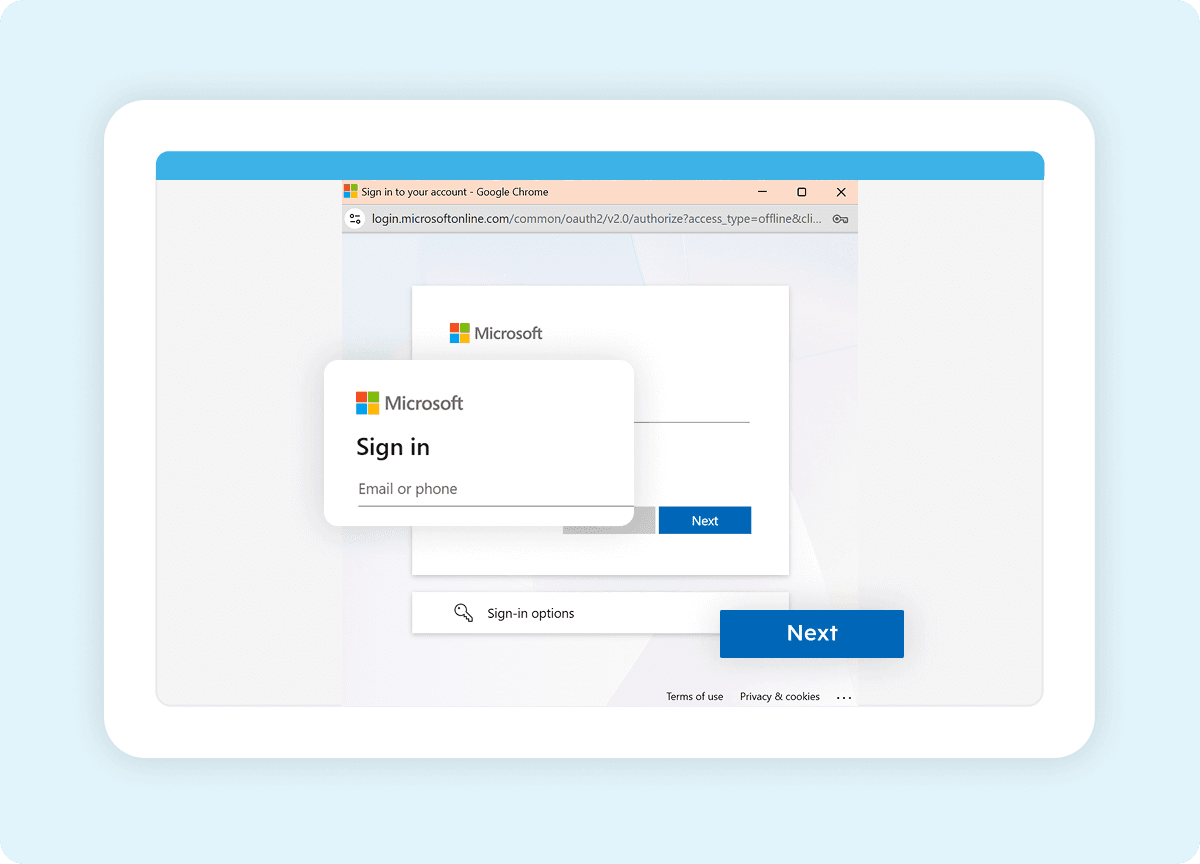
Microsoft account selection screen during Strety integration setup

Step 4:
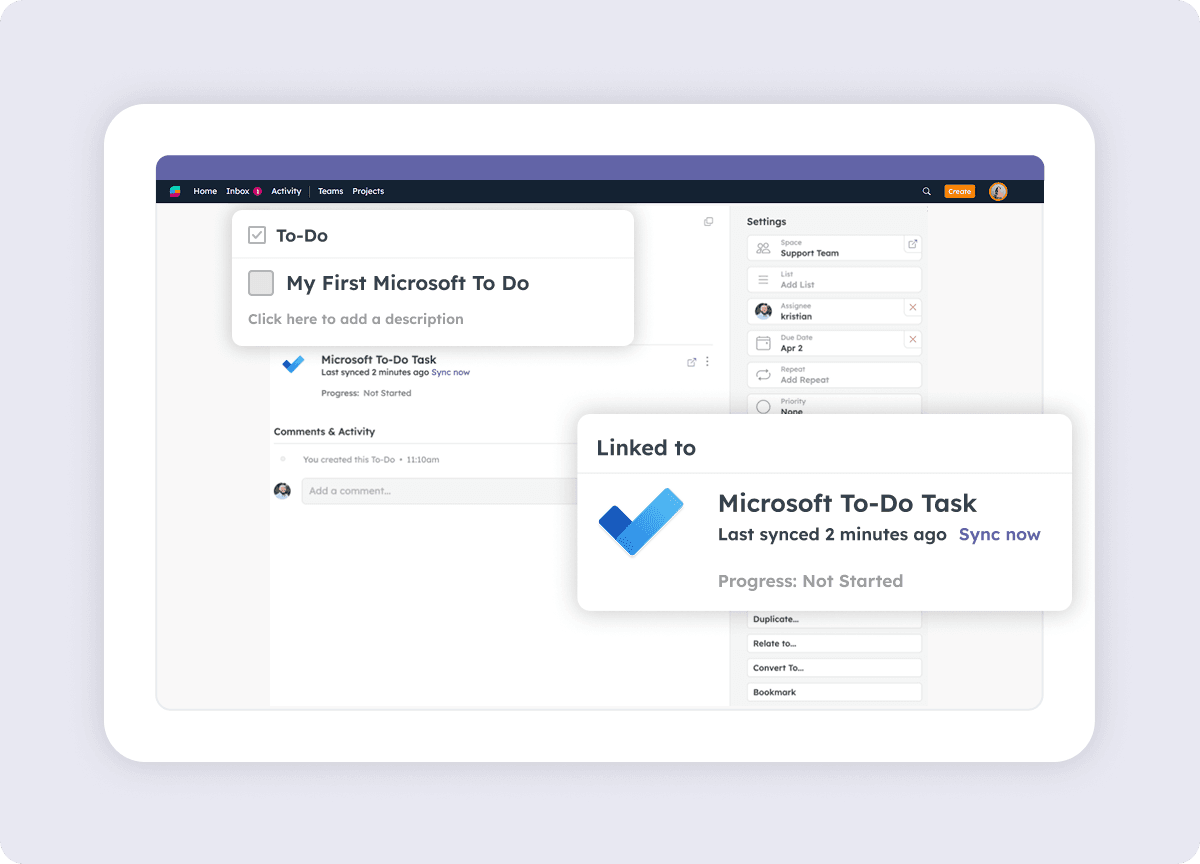
Create a synced To Do

You’re all set! Create your linked To Dos in Strety by choosing the Microsoft To Do integration at the bottom of your To Do, and start saving time and effort.
Creating a To Do in Strety linked to Microsoft To Do

Frequently asked questions about Strety’s Microsoft To Do Integration

After adding the integration, create a new To Do in Strety. You’ll see the Microsoft To Do icon at the bottom of the To Do, which confirms the integration is connected and ready to sync tasks between the two platforms.

Yes. The Microsoft To Do integration is part of Strety’s integration ecosystem and available to all users at no additional cost. You’ll just need an active Microsoft account to connect it.

No. Microsoft To Do is a personal integration in Strety, so you can add it to your individual workflow even if your company hasn’t rolled it out to the whole team. Set it up whenever you’re ready.
Yes. Once the integration is installed, you’ll see an option to set it as your personal default. When enabled, every new To Do assigned to you will automatically link to Microsoft To Do — saving clicks on every task.
The two-way sync covers due dates and completion status. If you change a task’s due date or mark it complete in either Strety or Microsoft To Do, the linked item updates automatically in the other platform.
Strety syncs with Microsoft To Do every 30 minutes automatically. You can also trigger a manual sync directly from any linked To Do if you need an update faster.

Yes. Once a task is marked complete in Microsoft To Do, the linked To Do will close in Strety on the next sync, thanks to the two-way connection.

Yes. The integration works with both personal Microsoft accounts and Microsoft 365 work accounts.

Yes. Strety supports multiple To Do integrations, including Microsoft To Do, Microsoft Planner, Asana, ClickUp, Monday.com, HubSpot, Google Tasks, Todoist, and several PSAs. When creating a new To Do, you choose which integration to link it to.

Microsoft To Do is for personal task management — your individual to-do list synced across devices. Microsoft Planner is for team-based project planning with shared boards. Strety integrates with both. Use Microsoft To Do for personal task syncing and Microsoft Planner for team project coordination.

The integration is built for individuals who run their EOS accountability in Strety and manage their personal task list in Microsoft To Do. It’s especially useful for team members who use Microsoft 365 daily and want their L10 To Dos integrated with the task tool they already check throughout the day.

What people love about Strety’s Microsoft To Do integration 💜

Simply love the flexibility of the system, but most of all the integration with Microsoft Teams – specifically with ToDo and Planner.
Also, love the integration with Teams and Microsoft ToDo!

More to Explore

Strety Help Docs

Help Docs

Would you like a deep dive on setting up the Strety + Microsoft To Do integration? Start here.
Strety logo and other integrations logo, including Asana, HubSpot, Slack, Planner, Teams and Google

All Integrations

Discover more of Strety’s integrations to connect your fav tools with your EOS® implementation.
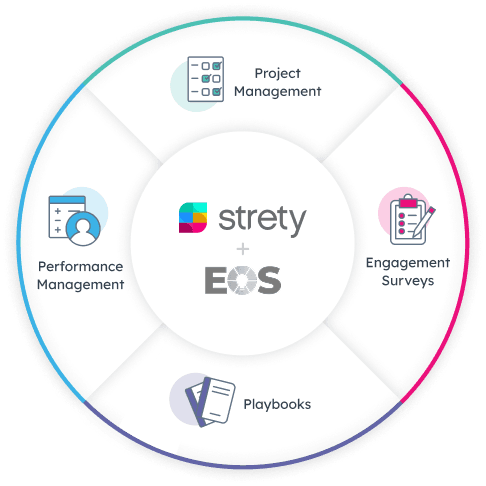
Strety wheel showing EOS+ features, including Project Management, Engagement Surveys, Playbooks, Performance Management

More Features

Check out Strety’s built-in tools 
for EOS® implementation plus everyday execution.

Want to test-drive the Strety + Microsoft To Do integration?

Begin your free trial to connect your personal To Dos with your EOS Implementation. Warning: be prepared for calmer days. Much calmer.
;